



Navigating the job market as a student can be tough. Between classes, exams, and internships, building a professional resume that stands out often feels like another full-time course. You need a document that not only highlights your limited experience and academic achievements but also gets past the automated screening systems (ATS) that most companies use today. This is where a dedicated resume builder for students becomes an essential tool. These platforms are designed to simplify the process, offering pre-built templates, guided writing tips, and features to ensure your resume is polished, professional, and optimized for success.
But with so many options available, how do you choose the right one for your specific needs and budget? This guide cuts through the noise. We break down the 12 best resume builders for students, from free and simple template editors to advanced AI-powered platforms. Each entry includes screenshots, direct links, and a clear analysis of its key features, pricing models (including hidden costs), and any student-specific perks. Our goal is to provide a straightforward comparison, helping you find the perfect tool to build a compelling resume and launch your career.
1. Resume.io
Resume.io excels at helping students create a professional-looking resume in minutes, making it an excellent resume builder for students who need a polished document quickly for an internship or first job application. Its primary strength is the fast, template-driven editor that streamlines the entire process from start to finish. You simply select a template, fill in your information with pre-written examples for guidance, and the tool handles the formatting.
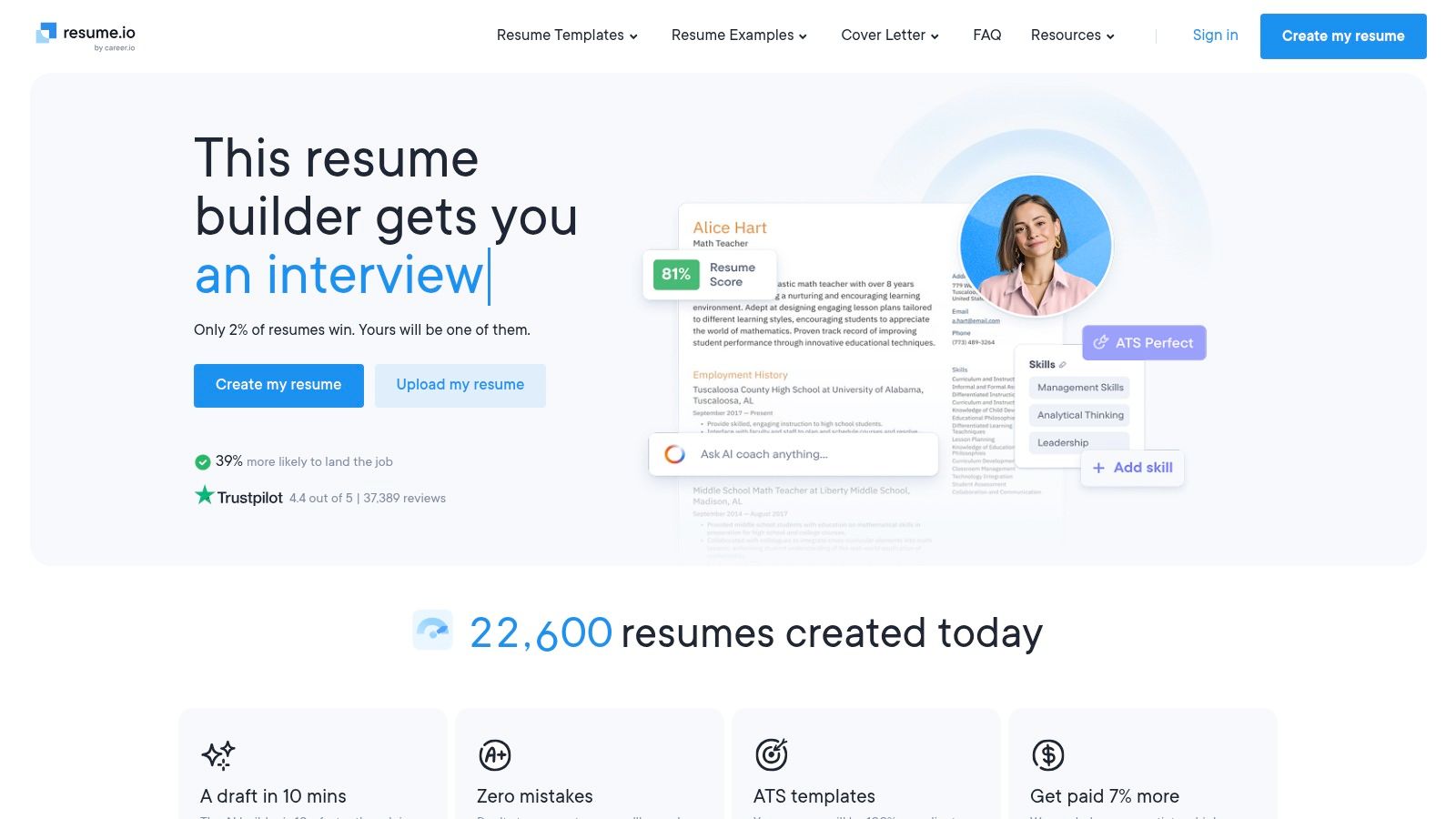
The platform offers a limited free plan that only allows for a TXT file download, which is not ideal for formal applications. To unlock PDF downloads and full features, you need a paid subscription. A popular option is the 7-day trial, which provides full access for a small fee (typically around $2.95), but be mindful that it auto-renews to a monthly subscription if not cancelled.
Key Features & User Experience
| Feature | Details |
|---|---|
| Templates | Over 30 recruiter-approved templates with matching cover letter designs. |
| Editor | Intuitive, web-based editor with real-time preview and sharing link capabilities. |
| Pricing | Limited free plan; 7-day trial for full access, then monthly or semi-annual subscriptions. |
| Downloads | Free: TXT only. Paid: PDF, DOCX, and more. |
- Pros: Extremely fast and easy to use, professional template designs, low-cost trial for full feature access.
- Cons: Free version is very limited (TXT download only), auto-renewal on trials can be an unwelcome surprise.
- Website: https://resume.io
2. ResumeGenius
ResumeGenius is another top-tier resume builder for students, particularly those writing their first resume. It stands out with its AI-powered phrase suggestions and guided prompts, which help you overcome writer's block when describing your experiences. The platform acts like a helpful guide, ensuring you include all the necessary sections and use impactful language to describe your skills and academic projects.
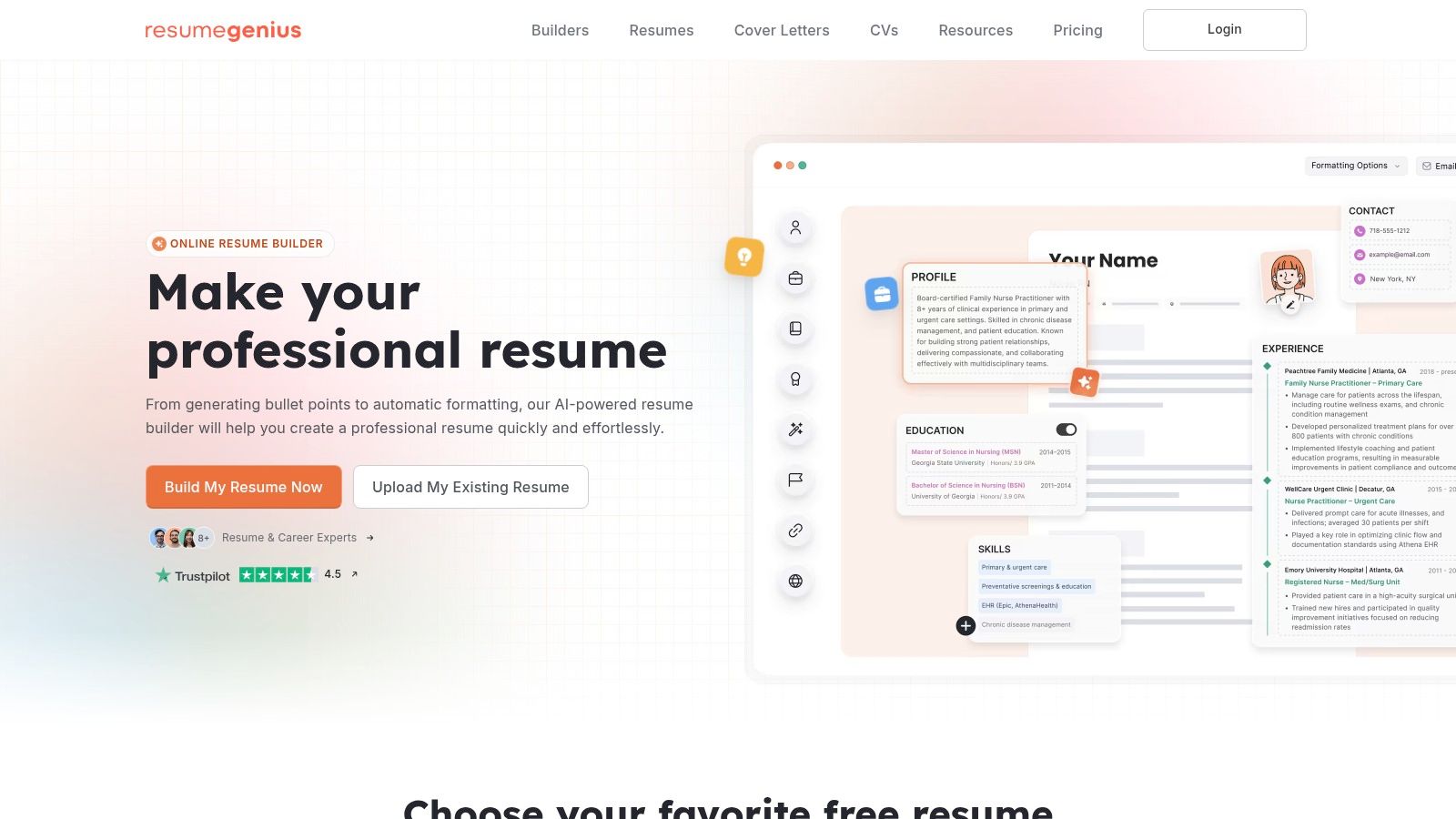
The service provides a massive library of pre-written bullet points for various jobs and industries, which students can adapt for their own use. Like other builders, its free offering is limited to a TXT file download. Access to PDF or Word downloads requires a subscription, often starting with a low-cost 14-day trial that converts to a monthly plan if not cancelled. For more advanced AI writing assistance, exploring tools like Jasper AI can also be beneficial; learn more about using AI for academic and professional writing.
Key Features & User Experience
| Feature | Details |
|---|---|
| Templates | A large collection of modern and traditional templates suitable for various industries. |
| Editor | Step-by-step guided editor with AI phrase suggestions and a resume checker. |
| Pricing | Limited free plan; 14-day trial for full access, then monthly subscriptions. |
| Downloads | Free: TXT only. Paid: PDF, DOCX, and TXT. |
- Pros: Very easy for beginners, great AI-powered writing assistance, extensive library of examples.
- Cons: Free plan restricts you to a TXT download, trial auto-renews into a more expensive monthly plan.
- Website: https://resumegenius.com
3. Zety
Zety is a highly-guided resume builder for students that excels at helping you craft your first resume from scratch. The platform's standout feature is its step-by-step wizard, which provides contextual tips and content suggestions, making it ideal for students who are unsure what to write. You can build your entire resume for free to see the final product before deciding to pay for downloads.
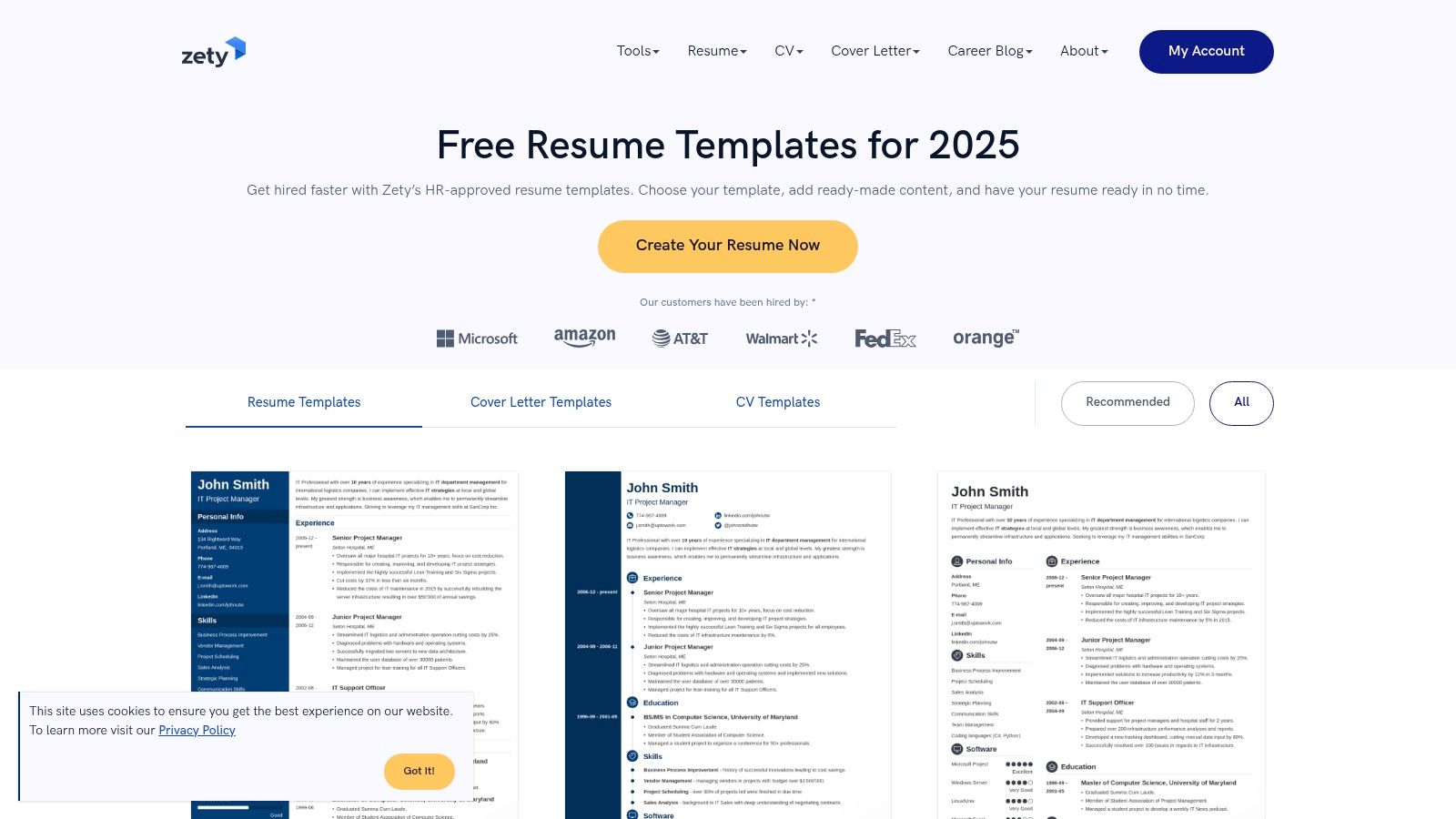
The "try-before-you-buy" model is beneficial, but similar to other builders, a subscription is required to download your resume as a PDF or DOCX file. Zety offers a full-access trial for a small fee that provides access to all templates, a resume checker, and unlimited downloads. Be aware that this trial will automatically convert to a more expensive monthly subscription if you do not cancel it in time.
Key Features & User Experience
| Feature | Details |
|---|---|
| Templates | 18+ professional templates with matching cover letter designs for a consistent application. |
| Editor | Step-by-step wizard with real-time preview and content suggestions to guide writing. |
| Pricing | Build for free; a paid trial or full subscription is needed for PDF/DOCX downloads. |
| Downloads | Free: TXT only. Paid: PDF, DOCX, and more. |
- Pros: Excellent guidance with a clear wizard, flexible formatting options, and the ability to tailor resumes quickly.
- Cons: Most useful export formats are behind a paywall, and the trial auto-renews to a pricier subscription.
- Website: https://zety.com
4. Novorésumé
Novorésumé stands out as an excellent resume builder for students due to its transparent pricing and strong free tier. It's a great choice for those wanting to create a professional, one-page resume without committing to a recurring subscription. The platform emphasizes ATS-friendly designs, ensuring your application gets past automated screening systems, which is a critical first step.
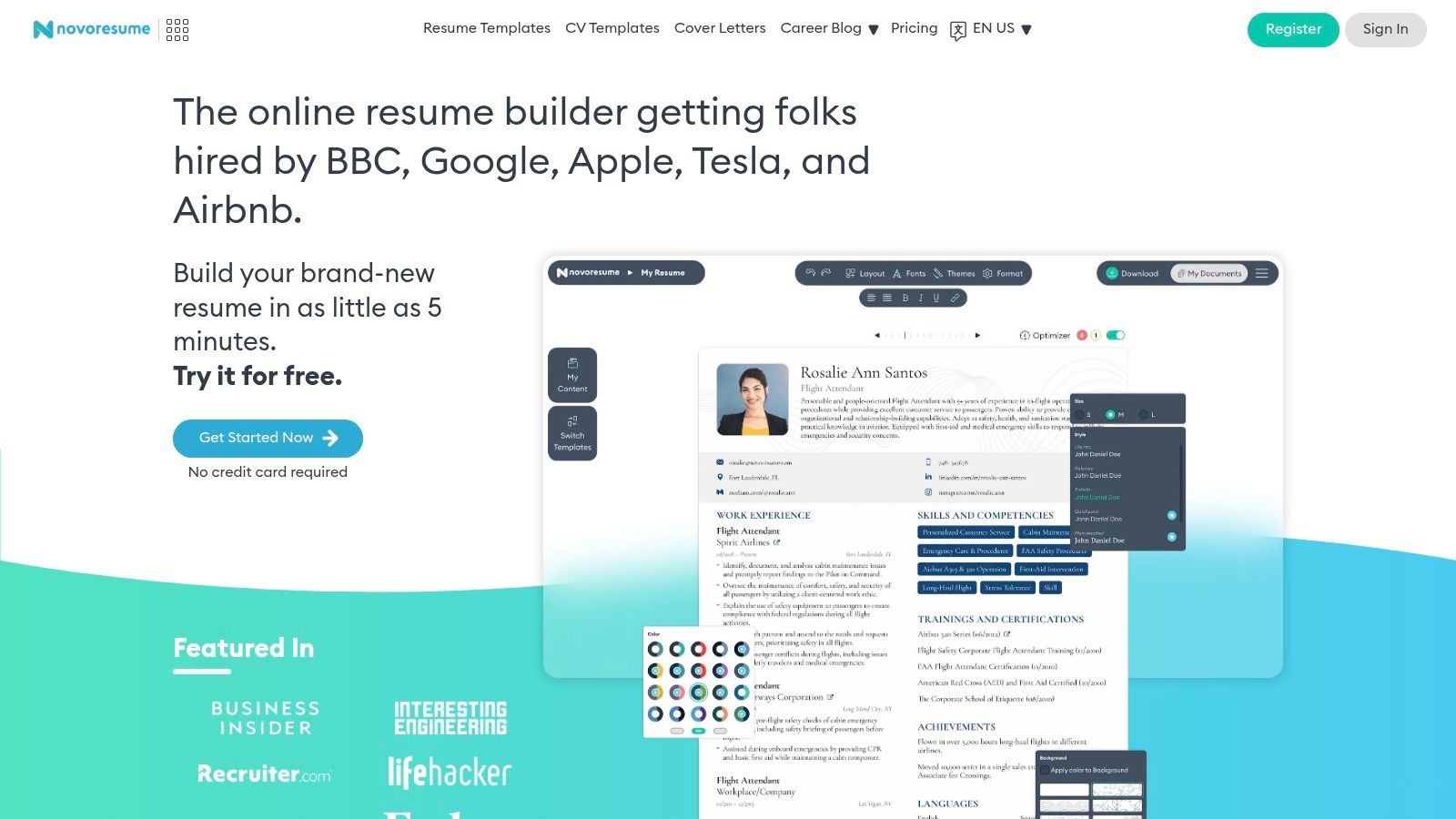
Unlike many competitors that use tricky trial periods, Novorésumé offers a clear free plan that allows for a one-page PDF download, making it genuinely useful for students applying for their first internships or part-time jobs. For those needing more features like multi-page resumes or matching cover letters, premium access is available through one-time payments for monthly, quarterly, or yearly access, avoiding the stress of auto-renewals.
Key Features & User Experience
| Feature | Details |
|---|---|
| Templates | ATS-friendly and professional layouts with various fonts and color themes. |
| Editor | Clean, straightforward editor that provides real-time feedback on content and formatting. |
| Pricing | Robust free plan for a one-page resume; Premium access via one-time monthly, quarterly, or yearly payments. |
| Downloads | Free: One-page PDF. Paid: Multi-page PDFs, cover letters, and more customization options. |
- Pros: Generous free plan, no auto-renewing subscriptions (pay-once access), and a 14-day money-back guarantee.
- Cons: The free version is strictly limited to a single page and predefined layouts; downloads are primarily PDF-focused.
- Website: https://novoresume.com
5. Enhancv
Enhancv is a visually-focused resume builder for students who want to create a document that stands out without sacrificing professionalism. It excels at blending creative design with ATS-friendly layouts, making it ideal for students in fields like marketing, design, or media who need a resume with a bit of personality. The platform provides a high degree of customization, allowing you to fine-tune colors, fonts, and section layouts to match your personal brand.
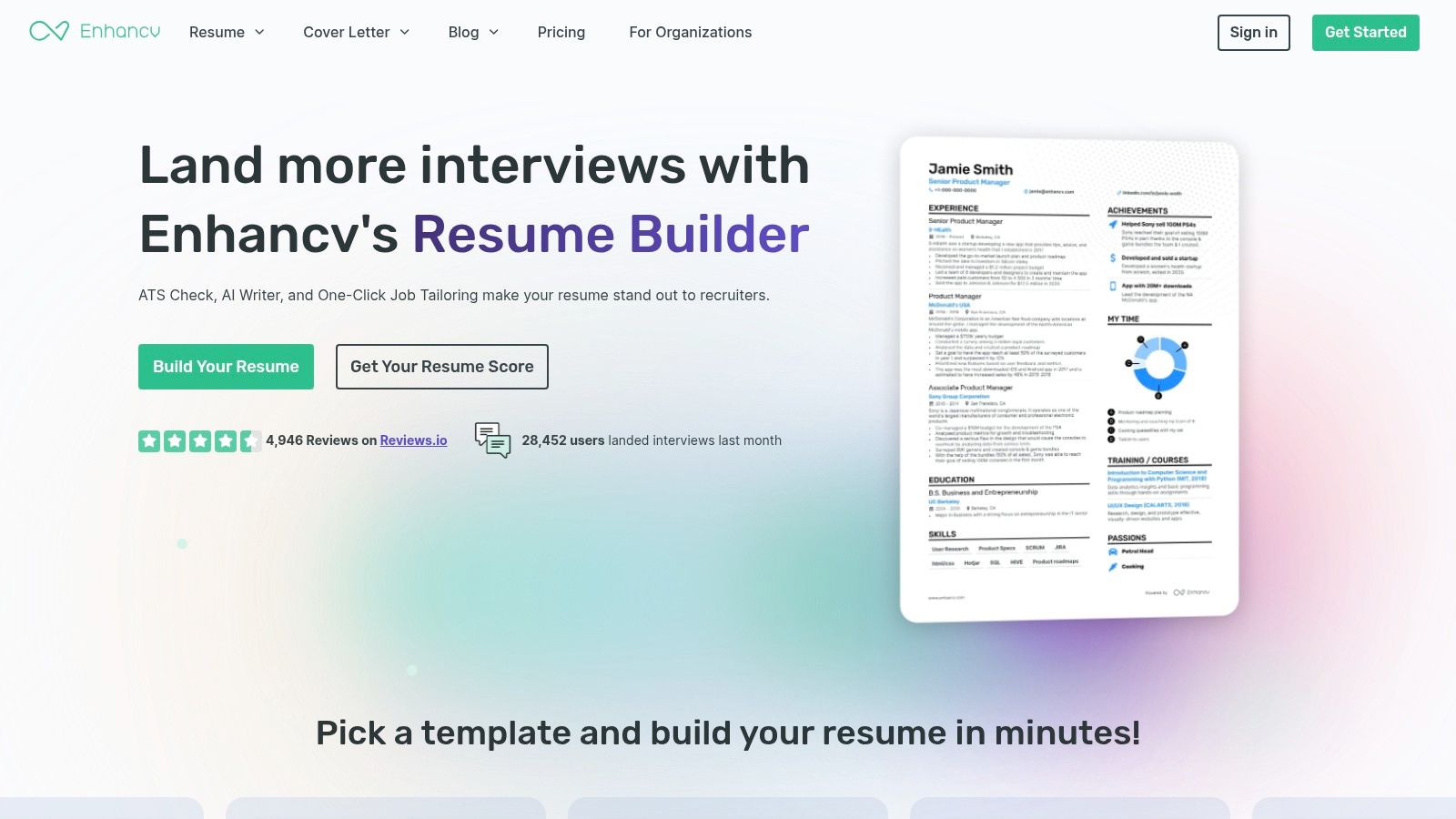
The platform offers a 14-day free trial that doesn’t require a credit card, giving you ample time to explore its features. This trial lets you create and customize your resume, but downloading a PDF without the Enhancv branding requires upgrading to a Pro plan. The Pro subscription unlocks advanced templates, unlimited entries, and the ability to tailor multiple resume versions for different job applications.
Key Features & User Experience
| Feature | Details |
|---|---|
| Templates | Designer templates with extensive customization controls for colors, fonts, icons, and backgrounds. |
| Editor | Flexible drag-and-drop editor with sections for skills, passions, and testimonials. |
| Pricing | Free 14-day trial (no card); Pro plans available quarterly or semi-annually. |
| Downloads | Free: TXT download and a branded PDF. Paid: Unbranded PDF and more. |
- Pros: Strong design customization for distinctive resumes, easy to tailor resumes to multiple roles, generous 14-day free trial.
- Cons: Most advanced features and branding removal require a Pro subscription, which can be costly for students.
- Website: https://enhancv.com
6. Kickresume
Kickresume is a feature-rich resume builder for students that goes beyond basic templates by incorporating AI assistance, ATS checks, and even personal website creation. Its standout feature for students is the generous offer of free Premium access through verification with programs like ISIC or UNiDAYS, making powerful tools accessible without a subscription fee. This makes it an ideal choice for students who want advanced features and professional designs without the cost.
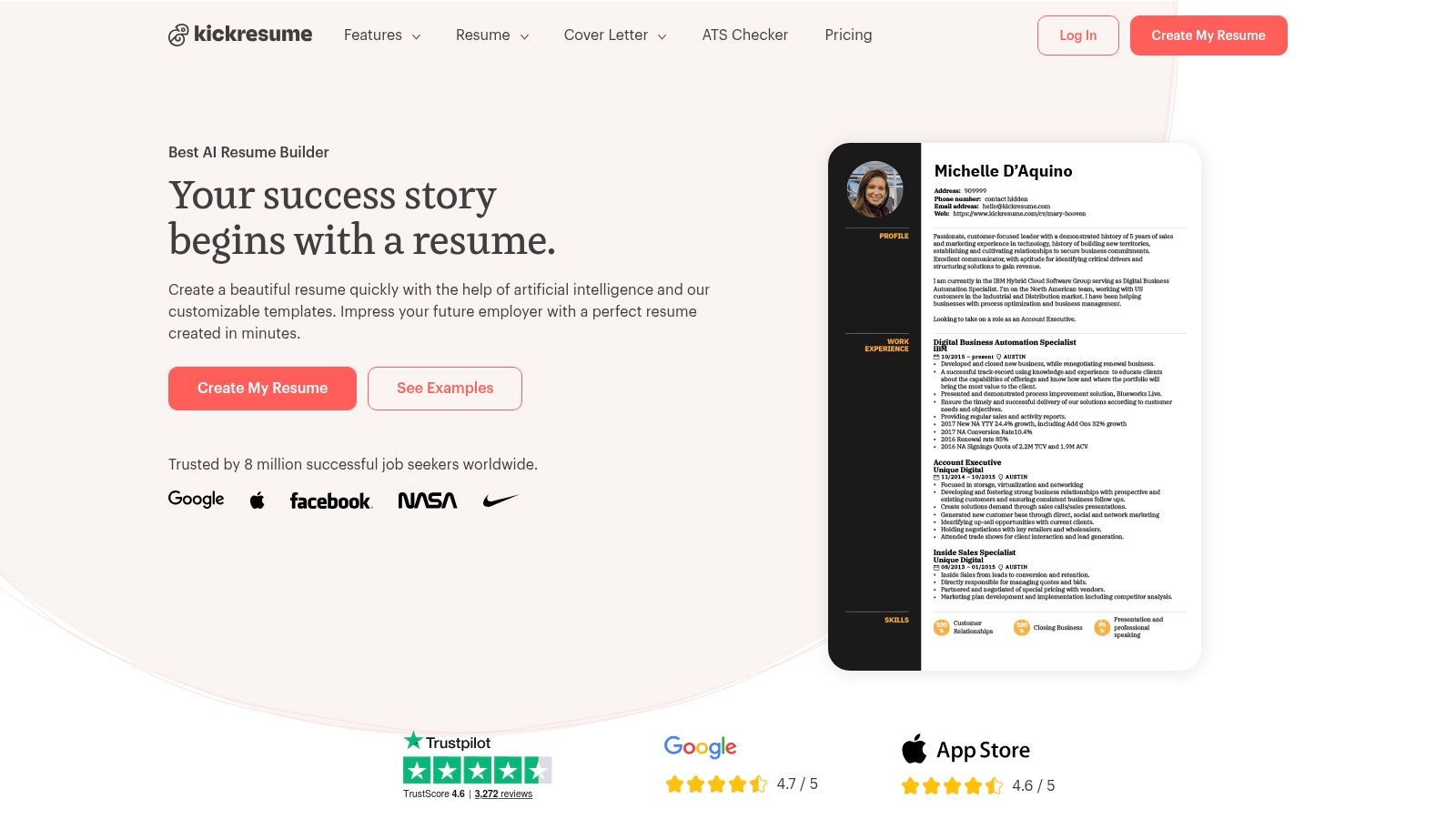
The platform allows users to import data directly from LinkedIn to speed up the creation process and offers mobile apps for editing on the go. While the free tier is quite functional and includes unlimited downloads (with Kickresume branding), the best templates and customization options are reserved for Premium users. This makes verifying student status crucial to unlocking the platform's full potential.
Key Features & User Experience
| Feature | Details |
|---|---|
| Templates | Over 40 professional resume and cover letter templates, plus personal website designs. |
| Editor | Includes an AI writer, ATS checker, and supports importing from LinkedIn or PDF. |
| Pricing | Free plan with unlimited downloads; free Premium access for verified students. |
| Downloads | Free: PDF with branding. Paid/Student: PDF, DOCX without branding. |
- Pros: Generous free Premium access for verified students, AI-powered writing tools, includes a personal website builder.
- Cons: Best designs and features require the Premium plan, pricing can vary depending on your location.
- Website: https://kickresume.com
7. Teal Resume Builder (Teal)
Teal offers a modern, US-focused job search suite with an integrated, ATS-aware resume builder for students that excels at tailoring applications. Its main strength is its powerful workflow for matching your resume to specific job descriptions. Instead of just building one static document, Teal encourages you to analyze job postings, identify keywords, and customize your resume for each application to improve your chances of passing automated screening systems.
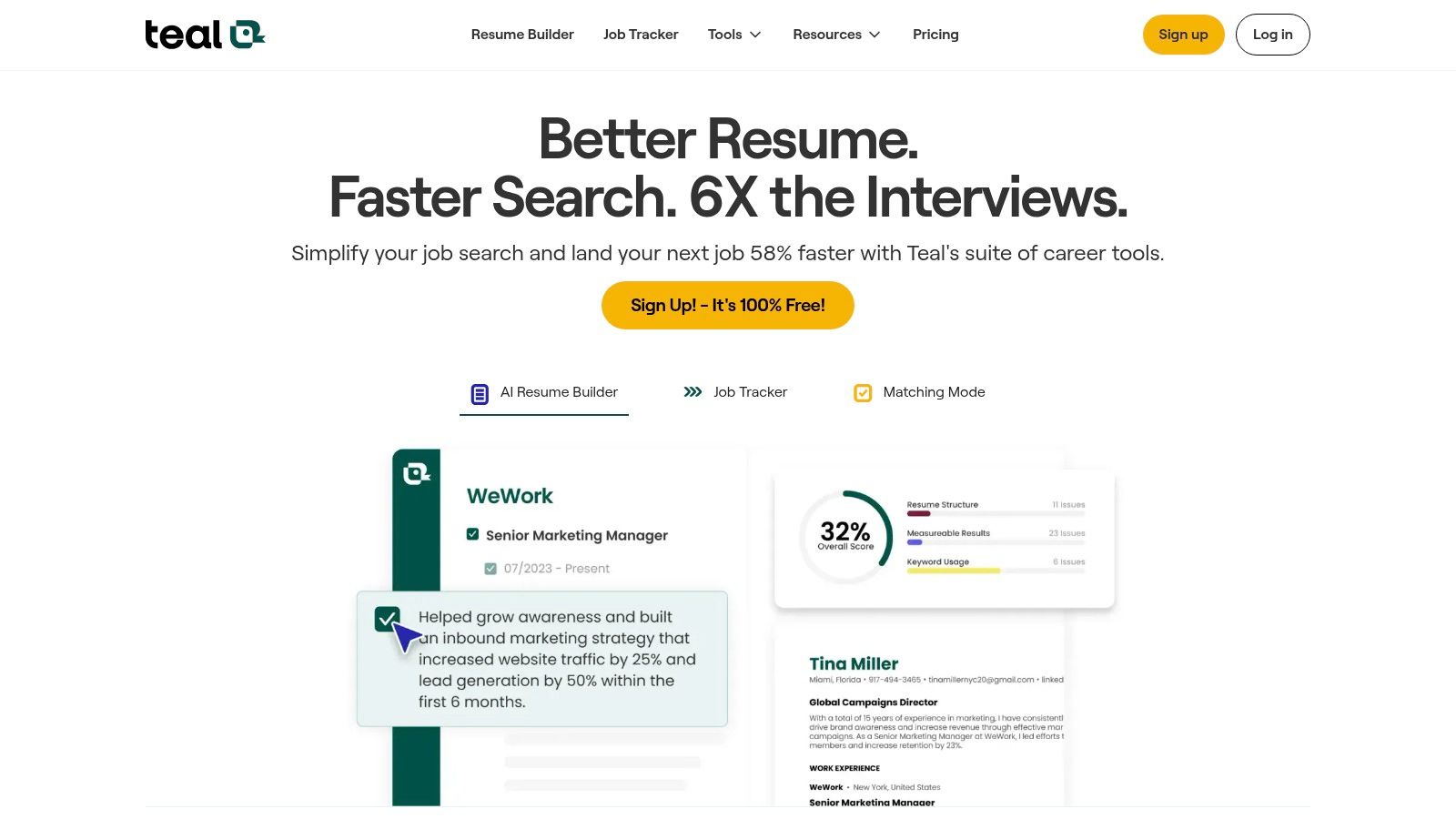
The platform provides a very generous free tier that allows you to start building and tailoring without a credit card. To access unlimited AI-generated bullet points, summaries, and cover letters, you will need to upgrade to the paid Teal+ plan. This plan offers weekly and monthly billing options, providing flexibility for students during an active job or internship search.
Key Features & User Experience
| Feature | Details |
|---|---|
| ATS-Aware Editor | Real-time analysis and keyword matching to tailor resumes for specific job postings. |
| Job Tracker | Integrated tool to save and manage job applications directly within the platform. |
| Pricing | Generous free plan; Teal+ subscription (weekly or monthly) for unlimited AI features. |
| AI Tools | Paid plan offers unlimited AI-generated bullet points, summaries, and cover letters. |
- Pros: Strong free tier to start, excellent workflow for tailoring resumes to job postings, integrated job tracker.
- Cons: Most powerful AI features require a paid plan, weekly billing can become expensive if used long-term.
- Website: https://www.tealhq.com
8. Jobscan Resume Builder
Jobscan offers a unique and highly practical resume builder for students focused on beating Applicant Tracking Systems (ATS). While other builders prioritize visual design, Jobscan’s core strength is its powerful ATS and keyword optimization technology. The builder itself is free, allowing you to create and download an unlimited number of ATS-friendly resumes, making it perfect for students applying to large companies that use automated screening software.
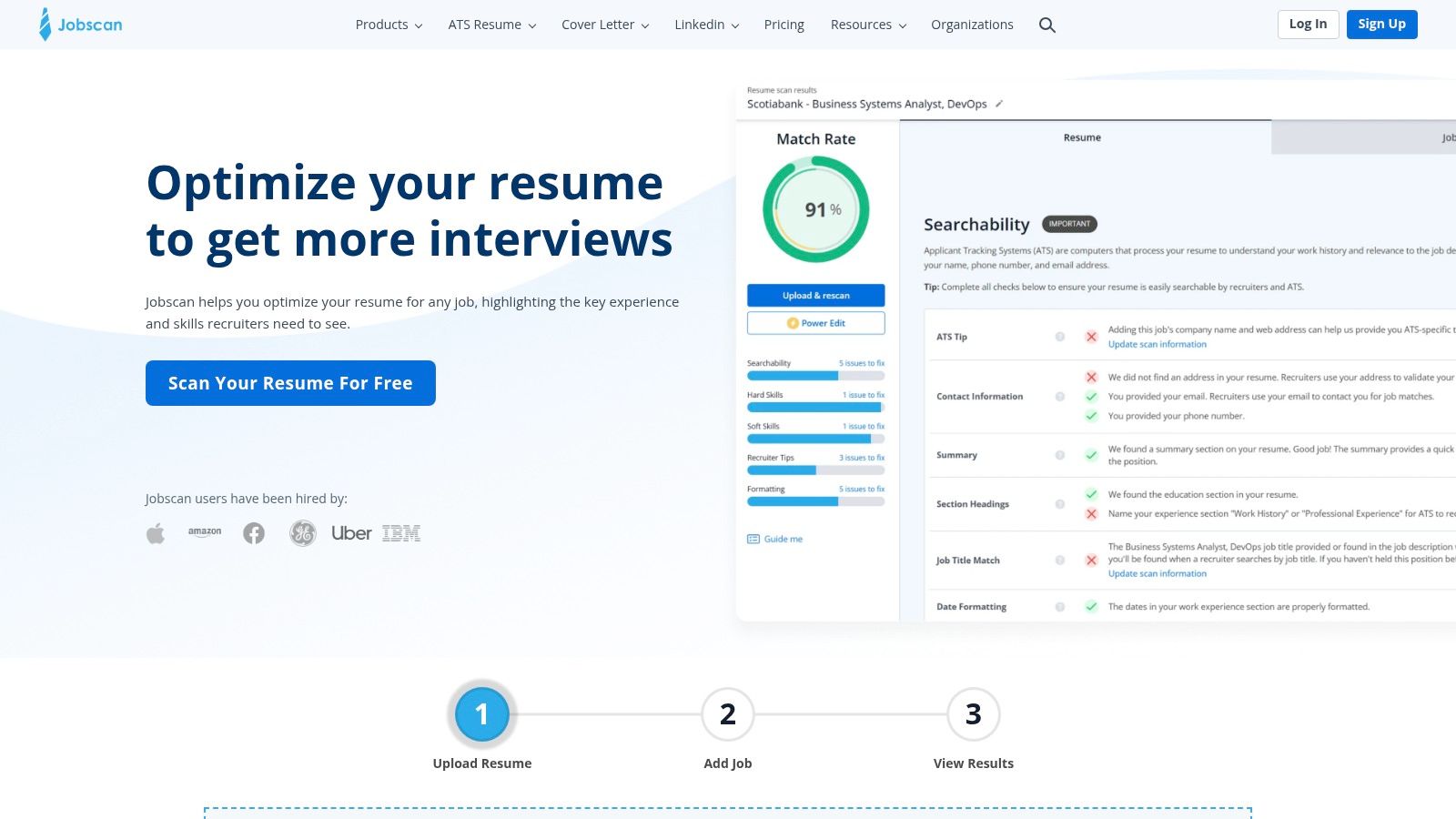
The platform truly shines when its free builder is used alongside its paid optimization tools. Students can paste a job description and get an instant analysis of how well their resume matches the required keywords. This data-driven approach helps you tailor your resume for each specific application, significantly increasing your chances of passing the initial screening and landing an interview.
Key Features & User Experience
| Feature | Details |
|---|---|
| Templates | 9 simple, ATS-compatible templates designed for optimal machine readability. |
| Editor | A straightforward, no-frills editor focused on content and structure over complex design. |
| Pricing | Resume builder is completely free with unlimited downloads. Paid subscriptions unlock advanced resume scanning and optimization tools. |
| Downloads | Free: PDF and DOCX. |
- Pros: Genuinely free builder with unlimited downloads, excellent for ATS keyword matching and preparation, provides actionable feedback.
- Cons: Advanced optimization features are behind a paywall, interface is utility-first with less design variety.
- Website: https://www.jobscan.co
9. LiveCareer
LiveCareer offers a long-running, wizard-style platform that makes it a reliable resume builder for students creating their first professional document. Its guided, step-by-step process is particularly helpful for those who feel overwhelmed by the resume writing process, as it prompts users for information section by section. The platform also provides content suggestions and a resume checker to help identify common mistakes.
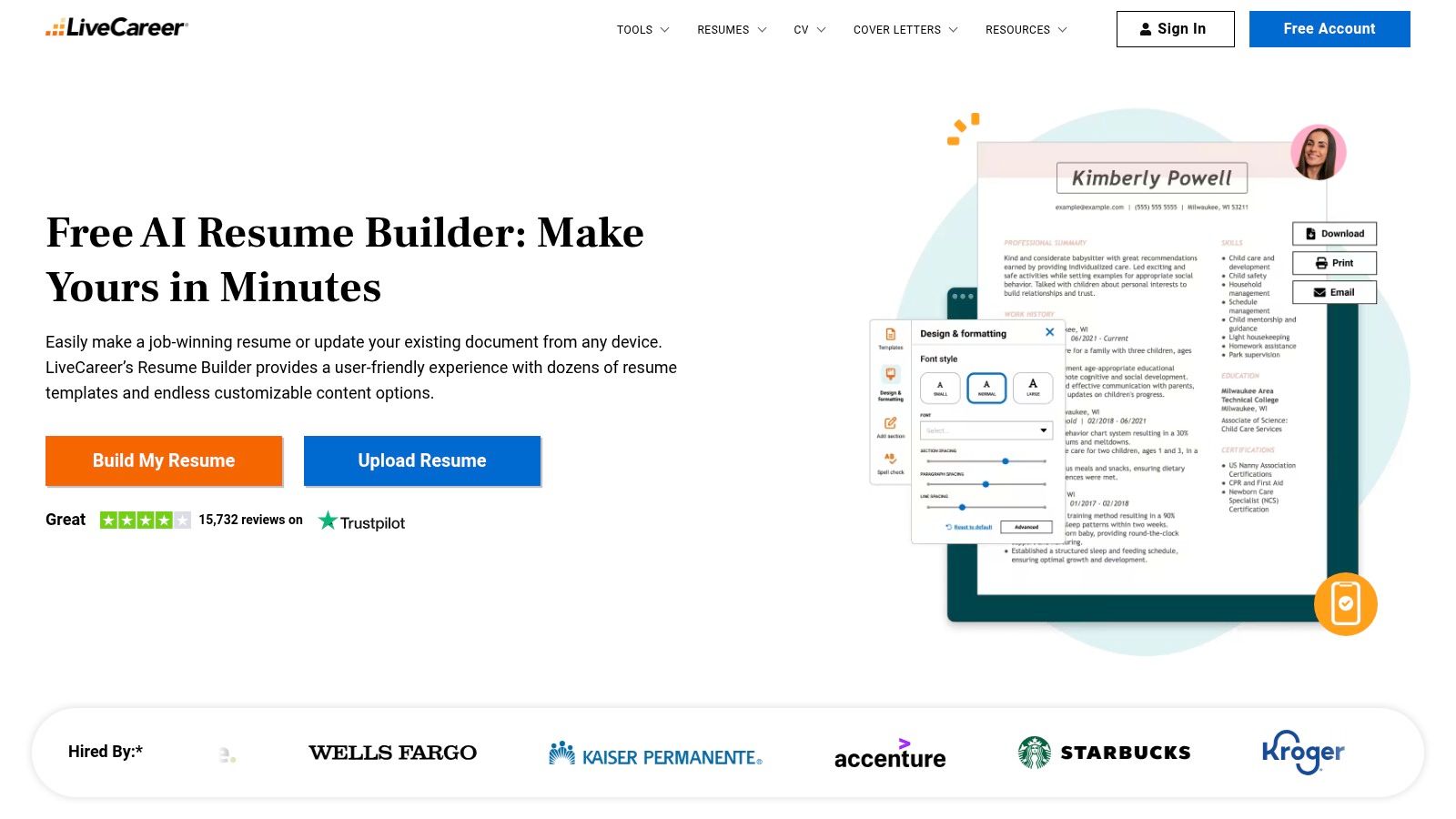
Similar to other builders, its free functionality is restricted; you can build a resume but can only download it as a plain TXT file. To get a professional PDF or DOCX file, you must subscribe. A low-cost 14-day trial offers full access, but students should be aware that it will auto-renew at a higher monthly rate if not cancelled in time. For an extra fee, LiveCareer also offers optional professional writing services.
Key Features & User Experience
| Feature | Details |
|---|---|
| Templates | 30+ templates with coordinated cover letter designs available. |
| Editor | Step-by-step wizard editor with AI-powered content suggestions and a resume checker. |
| Pricing | Limited free access; 14-day trial for full access, followed by monthly subscriptions. |
| Downloads | Free: TXT only. Paid: PDF, DOCX, and others. |
- Pros: Quick step-by-step wizard for first-time users, robust library of templates and formats, helpful content suggestion tools.
- Cons: Free version limits exports to TXT, low-cost trial auto-renews at a higher price if not cancelled.
- Website: https://www.livecareer.com
10. Canva Resume Builder
Canva stands out as a powerful design suite first and a resume builder for students second, making it ideal for those who need a visually striking document. Its strength lies in its massive library of creative templates and an intuitive drag-and-drop editor, perfect for students in design, arts, or marketing fields who want their resume to reflect their creative skills. It allows for unparalleled customization beyond what typical builders offer.
While the free version is incredibly generous, providing access to thousands of templates and design elements, some premium assets and advanced AI 'Magic' tools require a Canva Pro subscription. A key consideration for students is ATS compatibility; it's crucial to choose minimalist, single-column templates to ensure your resume is readable by application software. You can learn more about how to get Canva Pro for free with a student discount to unlock its full potential.
Key Features & User Experience
| Feature | Details |
|---|---|
| Templates | Hundreds of highly customizable resume templates for nearly any profession. |
| Editor | Easy-to-use drag-and-drop interface with a vast library of graphics and fonts. |
| Pricing | Robust free plan; Canva Pro offers premium assets and advanced tools. |
| Downloads | Free: PDF, JPG, PNG. One-click export and shareable links are standard. |
- Pros: Extremely approachable for non-designers, massive template ecosystem for different majors and roles, excellent free version.
- Cons: Highly designed layouts can reduce ATS compatibility if not kept simple, Pro features require a paid subscription.
- Website: https://www.canva.com
11. Microsoft Create (Word) — Free Resume Templates
For students who prefer a hands-on approach or already have Microsoft Word, the official templates on Microsoft Create are a powerful and free resource. This makes it an ideal resume builder for students who want full control over their document without subscribing to a new service. The platform provides dozens of ATS-friendly templates that are simple, professional, and easy to download and edit directly in Word.
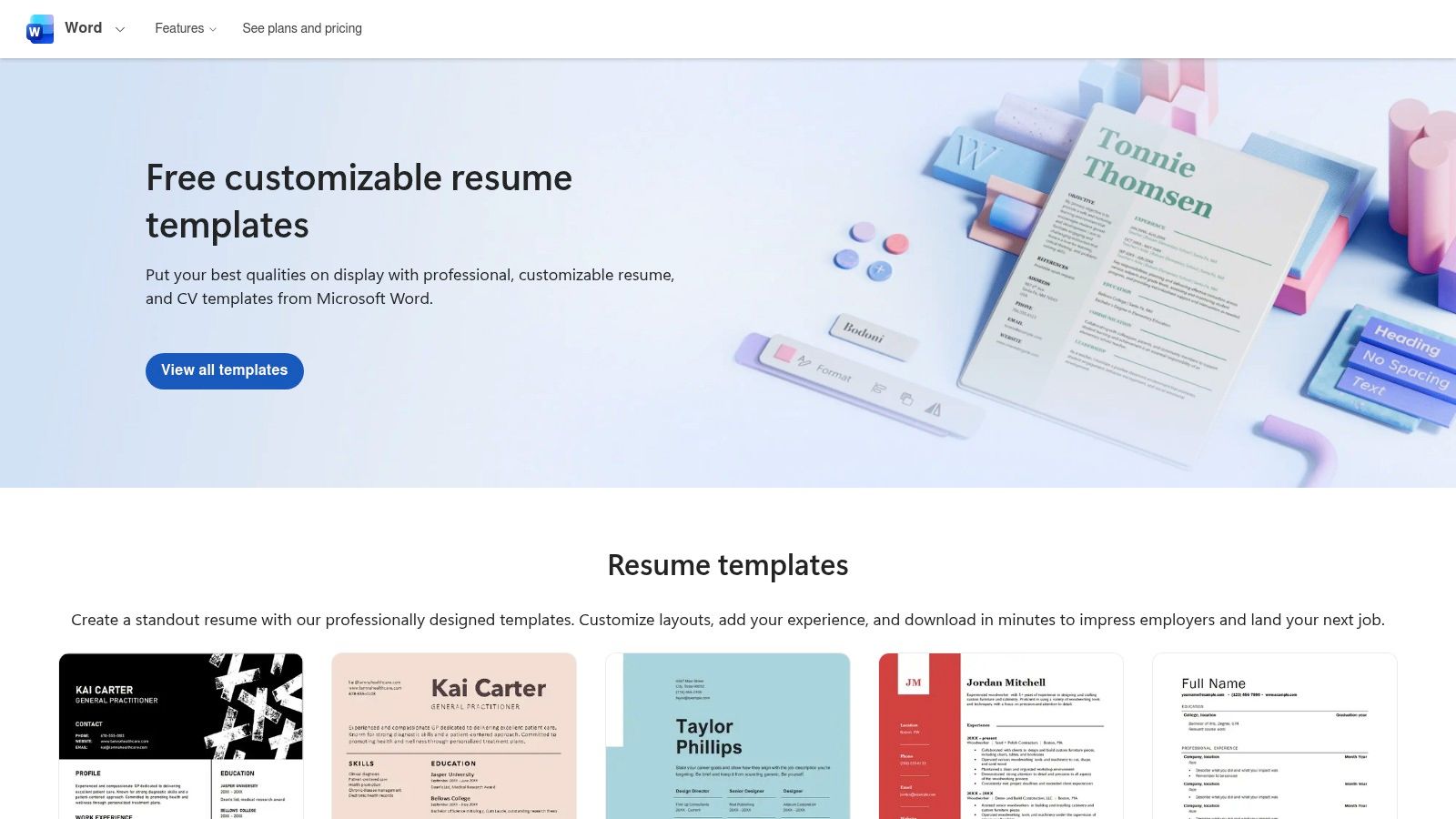
Unlike dedicated builders, Word doesn't offer AI writing suggestions or pre-written phrases, so you'll need to write your content from scratch. However, this manual approach ensures maximum customization. A pro tip is to pair your Word template with an external grammar checker to polish your text; you can get student deals on writing tools to help with this. Once finished, you can easily save your resume as a universally accepted PDF.
Key Features & User Experience
| Feature | Details |
|---|---|
| Templates | Dozens of free, fully customizable Word templates, many with matching cover letters. |
| Editor | Use the familiar Microsoft Word editor (desktop or web app) for complete control. |
| Pricing | Completely free to download and use with a Microsoft account. |
| Downloads | Save your final document as a DOCX, PDF, or any other format Word supports. |
- Pros: Entirely free, uses widely accepted formats (Word/PDF), and easy to keep ATS-friendly with minimal styling.
- Cons: Lacks the guided writing help of dedicated resume builders, requires more manual effort to tailor and format.
- Website: https://create.microsoft.com/en-us/templates/resumes
12. Overleaf (LaTeX) — Resume/CV Templates
Overleaf offers a powerful online LaTeX editor that is particularly popular among STEM students for creating highly professional and precisely formatted documents. While not a drag-and-drop tool, it serves as an exceptional resume builder for students who value control and a clean, academic aesthetic. Its strength lies in its extensive gallery of resume and CV templates that produce crisp, ATS-friendly PDFs perfect for academic, research, and technical job applications.
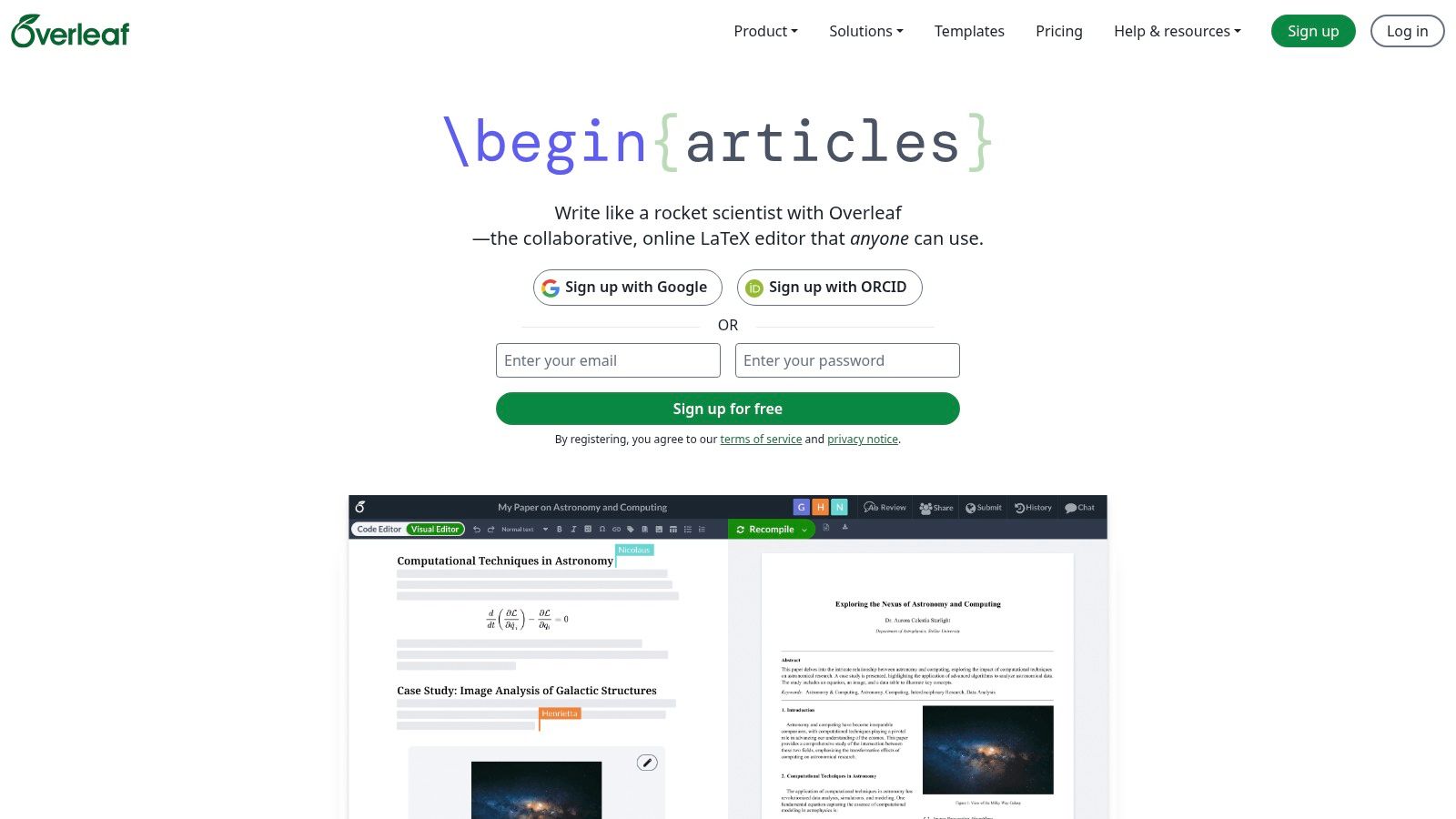
The platform has a very generous free tier that is more than sufficient for individual students creating their resumes. It provides access to the templates and core editor without cost. Paid plans unlock advanced features like real-time collaboration with more users, full project history, and integrations with services like GitHub and Dropbox, which are beneficial for group projects but not essential for resume building.
Key Features & User Experience
| Feature | Details |
|---|---|
| Templates | Large gallery of academic, modern, and classic resume/CV templates that are highly customizable with code. |
| Editor | Powerful online LaTeX editor with a live preview pane, error checking, and rich text mode for easier editing. |
| Pricing | Robust free plan; Premium subscriptions available for advanced collaboration and versioning features. |
| Downloads | High-quality, professional PDF downloads are available on all plans, including the free tier. |
- Pros: Produces precise, professional, and ATS-friendly PDFs; free tier is robust and well-suited for students; excellent for technical or academic resumes.
- Cons: Has a significant learning curve for users completely new to LaTeX; lacks the simple drag-and-drop interface of other builders.
- Website: https://www.overleaf.com
Top 12 Student Resume Builders: Feature Comparison
| Service | Key features ✨ | UX / Quality ★ | Price & Value 💰 | Target audience 👥 | Standout 🏆 |
|---|---|---|---|---|---|
| Resume.io | ✨ 30+ recruiter‑tested templates, fast editor, sharing, job tracker | ★★★★☆ Fast, polished editor | 💰 Free TXT; paid exports; 7‑day trial (auto‑renew warning) | 👥 Students/new grads needing quick polished resumes | 🏆 Quick, polished results & clear upgrade paths |
| ResumeGenius | ✨ GPT‑4 AI summaries, guided prompts, resume checker | ★★★★☆ Very guided & easy for beginners | 💰 Free TXT; low‑cost trial (auto‑renews) | 👥 First‑time resume writers (US focus) | 🏆 Strong AI phrase prompts |
| Zety | ✨ 18+ templates, resume check, try‑before‑you‑buy | ★★★★☆ Clear wizard & content suggestions | 💰 Build free; pay to export (auto‑renew notes) | 👥 Students wanting guided creation | 🏆 Try‑before‑buy flow |
| Novorésumé | ✨ Free 1‑page tier, premium multi‑page, custom sections | ★★★★☆ ATS‑safe, transparent billing | 💰 Pay‑once options + subscriptions; 14‑day refund | 👥 Students avoiding recurring subscriptions | 🏆 Pay‑once access to avoid auto‑renewals |
| Enhancv | ✨ Designer templates, color/font/icon controls, many resumes | ★★★★☆ Highly customizable, visual focus | 💰 14‑day trial; Pro for top features | 👥 Creative students who want standout design | 🏆 Best for distinctive visual resumes |
| Kickresume | ✨ AI writer, ATS checker, LinkedIn import, student perks | ★★★★☆ Feature‑rich; mobile apps available | 💰 Free Premium for verified students; paid otherwise | 👥 Verified students; globals seeking perks | 🏆 Generous student Premium offer |
| Teal (Resume Builder) | ✨ ATS‑aware builder, keyword matching, job tracker | ★★★★☆ Workflow‑focused for tailoring | 💰 Free tier; Teal+ for unlimited AI | 👥 Interns/new‑grads tailoring for US jobs | 🏆 Excellent tailoring & tracking workflows |
| Jobscan Resume Builder | ✨ 9 ATS templates, keyword matching, free downloads | ★★★★☆ Utility‑first; ATS accuracy | 💰 Truly free builder; paid optimization add‑ons | 👥 Students focused on ATS/keywords | 🏆 Best for ATS & keyword optimization |
| LiveCareer | ✨ 30+ templates, resume checker, pro writing services | ★★★☆☆ Quick wizard, basic UI | 💰 Free TXT; trial auto‑renews; paid writers | 👥 Students wanting fast, guided resumes | 🏆 Large template library + writing services |
| Canva Resume Builder | ✨ Hundreds templates, drag‑and‑drop, PDF export | ★★★★☆ Very approachable; design‑first | 💰 Free basic; Pro features paid | 👥 Creative majors, portfolios, class projects | 🏆 Massive template ecosystem |
| Microsoft Create (Word) | ✨ Free Word templates, ATS‑friendly designs, cover letters | ★★★★☆ Simple, widely compatible | 💰 Free templates; Word may require subscription | 👥 Students wanting simple ATS‑safe resumes | 🏆 Free, universally accepted formats |
| Overleaf (LaTeX) | ✨ LaTeX resume/CV templates, collaboration, Git integrations | ★★★☆☆ Precise PDFs; steeper learning curve | 💰 Robust free tier; some paid features | 👥 STEM/academic students & researchers | 🏆 Best for academic/professional LaTeX CVs |
Choosing the Right Builder to Launch Your Career
Embarking on your professional journey begins with a single, powerful document: your resume. Navigating the crowded market of online resume builders can feel overwhelming, but as we've explored, the ideal tool is the one that aligns with your specific academic background, career goals, and personal style. Your choice ultimately hinges on what you value most.
Recapping Your Top Options
For students prioritizing modern, visually striking designs to stand out in creative fields, platforms like Enhancv, Novorésumé, and Canva offer unparalleled aesthetic flexibility. Conversely, if your primary concern is conquering Applicant Tracking Systems (ATS) and landing interviews at large corporations, a data-driven resume builder for students like Jobscan or Teal provides the analytical tools necessary to optimize your content with precision. For those seeking an all-in-one solution with extensive template libraries and helpful content suggestions, industry staples such as Zety, Resume.io, and Kickresume (with its fantastic student offer) present a balanced and user-friendly experience.
Key Takeaways for Student Job Seekers
Making the final decision requires a bit of strategic thinking. Here are the most critical factors to weigh before you commit to a platform:
- Test Before You Invest: Almost every paid tool covered offers a free tier or a low-cost trial. Use these opportunities to experiment with two or three different builders. See which interface feels most intuitive and which templates best represent your personal brand.
- Mind the Subscription Model: A common pitfall is the auto-renewing subscription that follows a cheap trial period. Be vigilant about your billing cycle and cancel any service you don't plan to continue using long-term to avoid unexpected charges on your student budget.
- The PDF Rule: Regardless of the builder you choose, always download the final version of your resume as a PDF. This format preserves your careful formatting across all devices and is the professional standard expected by recruiters.
- Tailoring is Non-Negotiable: A generic, one-size-fits-all resume is one of the fastest ways to get overlooked. Your new builder is a powerful tool, but its effectiveness depends on you. For every single application, customize your resume to mirror the language and keywords found in the job description.
Ultimately, the best resume builder for students is simply a launchpad. It’s designed to help you organize your experiences, skills, and academic achievements into a compelling narrative. The real power lies in how you tell your unique story. Select the tool that empowers you to present your potential with clarity and confidence, and you'll be well on your way to securing the internships and first jobs that will define the start of your career.
Ready to build your professional toolkit without overspending? Discover exclusive discounts on software, career development resources, and more with Student Wow Deals. Sign up for free today at Student Wow Deals to access savings that help you invest in your future.