


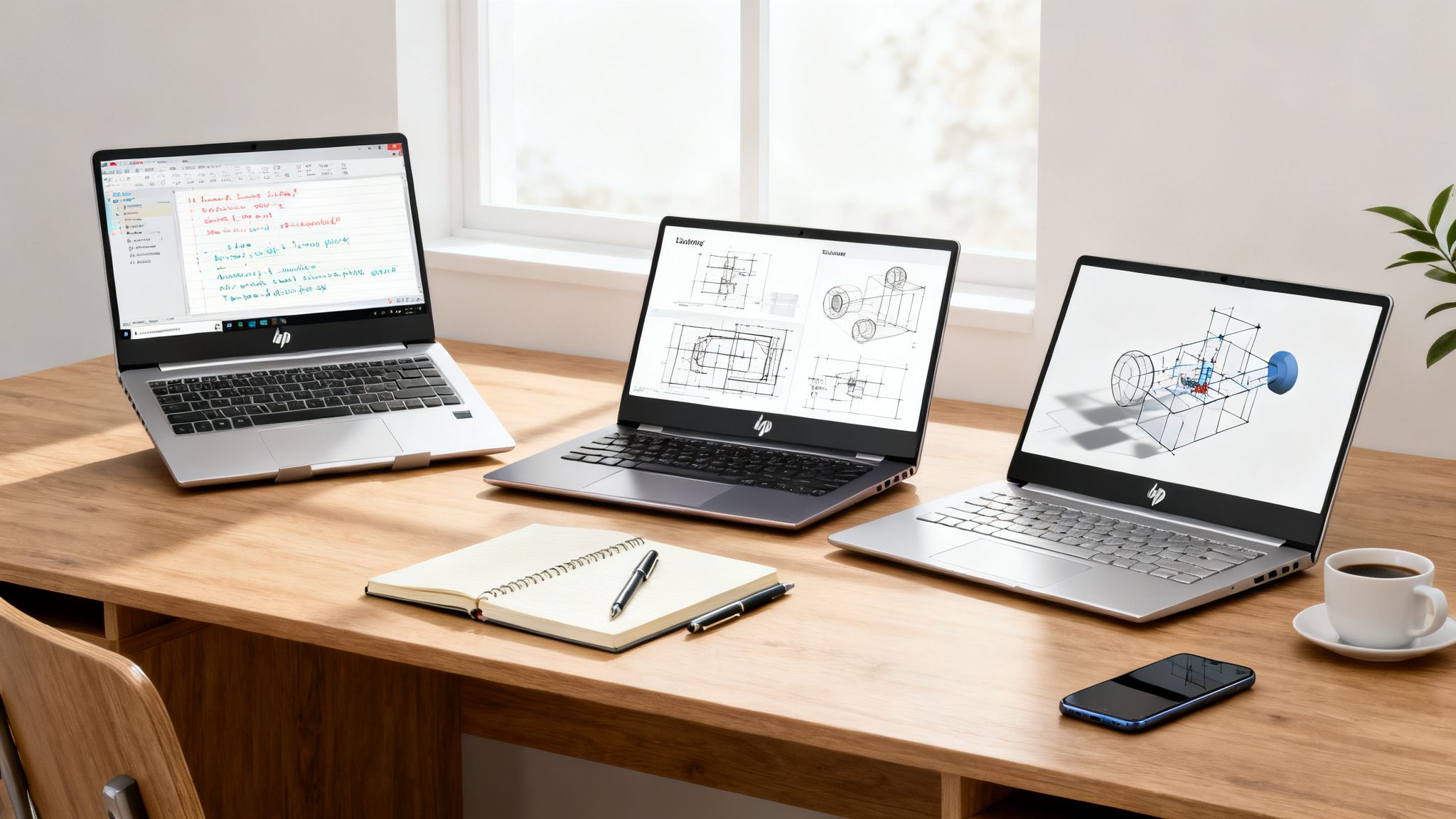
If you're looking for the best all-around HP laptop, the HP Pavilion Aero 13 is tough to beat. It really hits that sweet spot of strong performance, a super light design, and a price that won't make your wallet cry. For most students, it's more than enough machine for all the usual academic stuff.
Your Quick Guide to the Top HP Student Laptops
Picking a laptop for uni can feel like a final exam before you've even attended a single lecture. There are so many models, specs, and prices floating around that it's easy to feel completely lost. My goal here is to cut through the noise and break down HP's most popular laptop lines—Pavilion, Envy, and Spectre—so you can figure out which one actually fits your major and your budget.
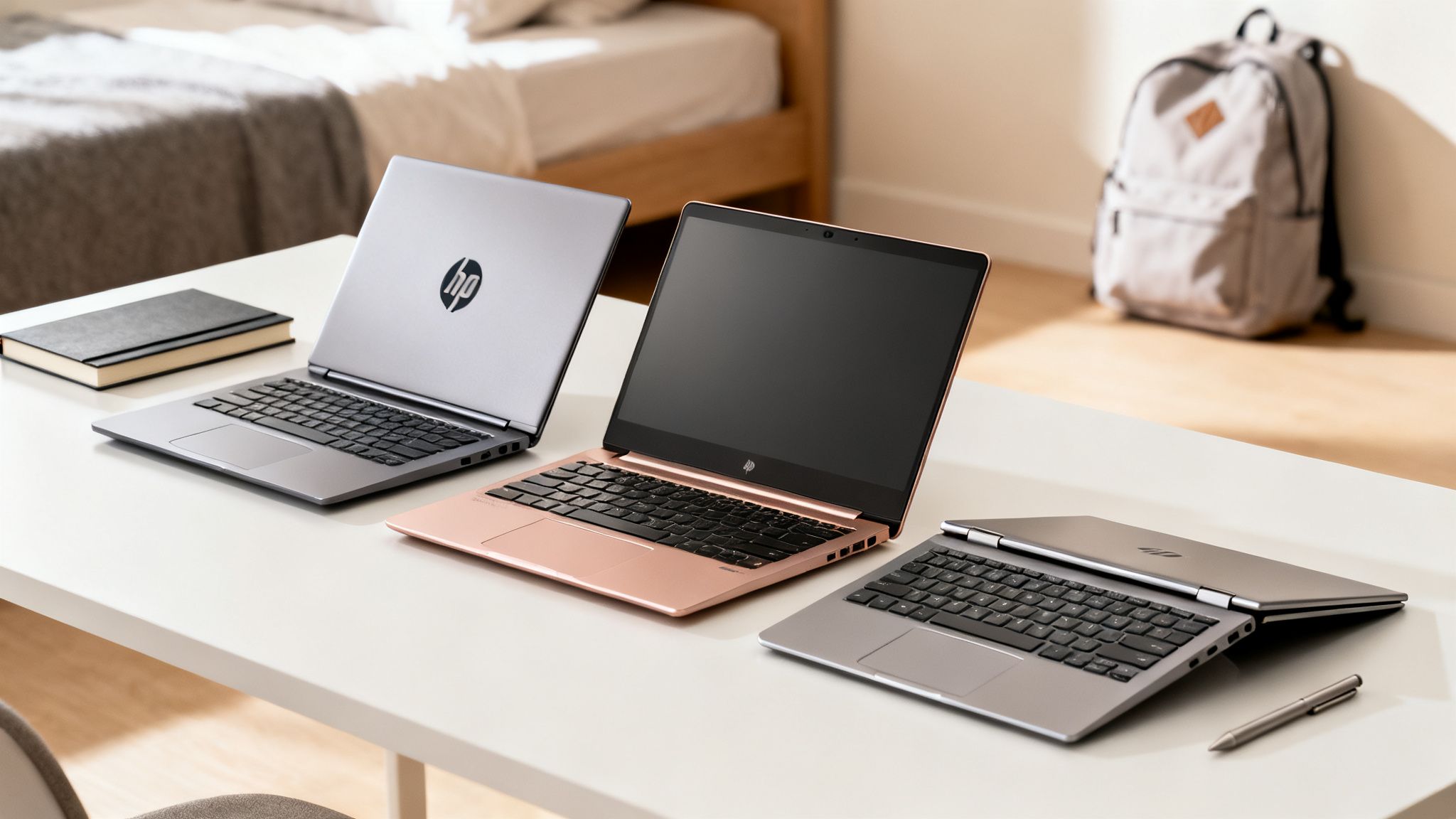
Whether you’ll be spending your nights writing essays, running demanding software for an engineering class, or creating digital art, there’s an HP laptop made for what you do.
Understanding the HP Laptop Tiers
HP makes things pretty simple by sorting its main consumer laptops into three clear tiers. Each one is built for a different type of user, and knowing the difference is the first step to finding your perfect match.
- HP Pavilion: Think of this as the reliable, budget-friendly option. It's perfect for students who need a solid machine for browsing the web, hammering out assignments in Word, and streaming lectures without spending a fortune.
- HP Envy: This is the mid-range series, and you'll notice a real jump in quality. We're talking better build materials, brighter screens, and more muscle under the hood. It’s ideal for students who have creative hobbies or need a bit more power for their coursework.
- HP Spectre: This is HP's premium 2-in-1 lineup. These machines pack top-of-the-line performance, absolutely gorgeous OLED displays, and a flexible design that lets you flip it into a tablet for taking notes. It's for the student who wants one device to do it all, from heavy computing to digital doodling.
HP Laptop Series At-a-Glance for Students
To help you see where you might fit, I've put together a quick comparison of the three main HP series. Think of this as your cheat sheet for finding the right starting point.
| HP Series | Ideal Student Profile | Core Strengths | Price Range |
|---|---|---|---|
| Pavilion | General studies, humanities, business | Affordability, reliable performance | $500 – $850 |
| Envy | Creative arts, marketing, light STEM | Premium build, better displays | $800 – $1,300 |
| Spectre | Engineering, design, computer science | High performance, 2-in-1 versatility | $1,200 – $1,800+ |
This table should give you a good sense of which series aligns with your needs. The Pavilion is a fantastic workhorse for most, while the Envy and Spectre lines offer more specialized power for those who need it.
While this guide dives deep into HP's offerings, it never hurts to look at the bigger picture. It's always a good idea to check out other affordable laptops for students just to make sure you're covering all your bases before making a final decision.
Why HP Laptops Are a Smart Choice for Student Life
When you're picking a laptop for uni, the brand behind it matters almost as much as what's inside. HP has consistently proven it's a top contender for students, and not just because it's a household name. It’s a smart choice because the brand delivers real value that actually fits into a student's life.
Let's be real, budget is a massive factor. This is where HP really shines. They’ve made it their mission to offer competitive pricing and student-focused discounts, making powerful tech way more accessible for those of us trying to make every dollar count.
A Focus on Affordability and Value
HP is pretty strategic with its promotions, especially around the big back-to-school rush. This means you can often snag a seriously capable machine without having to live on two-minute noodles for the rest of the semester.
During that competitive back-to-school season, HP often leads the charge with discounts that leave rivals in the dust. An analysis from C5i Compete even showed HP dominating the market with the most options and some of the deepest price cuts—in some cases, discounts were over 200% deeper than in previous months. If you’re curious, you can dig into these competitive laptop sales trends to see just how hard HP goes for student buyers.
The Bottom Line: HP's focus on value means you're getting more than just a laptop. You’re making a solid investment in a tool built to get you through your degree without emptying your bank account.
Reliability That Students Can Count On
Price is one thing, but reliability is everything when your assignments are on the line. The absolute last thing you need is your laptop crashing during finals week—talk about a nightmare. This is another area where HP builds a lot of trust.
HP consistently scores high in customer satisfaction and reliability surveys, which says a lot about the durability and build quality of their machines. You're getting a laptop known for solid performance that can handle the chaos of student life, from your first lecture right through to graduation day. That blend of affordability and trusted performance is exactly why an HP is often the best hp laptop for students hunting for a dependable study partner.
Comparing The Pavilion, Envy, And Spectre For Students
Trying to pick between HP's Pavilion, Envy, and Spectre lines isn't about finding the single "best" laptop—it's about finding the right one for your student life. Each series is built for a different kind of user, balancing cost, performance, and those nice-to-have premium features in its own way. Getting your head around these differences is the key to choosing the right HP laptop without blowing your budget or ending up with a machine that can't keep up.
The HP Pavilion is the go-to, practical choice for most students. If your degree mostly involves writing essays, doing a ton of online research, and jumping into virtual lectures, a Pavilion has more than enough power to get you through. It has a plastic chassis to keep the price down, making it a super accessible entry point into a reliable laptop ecosystem.
On the other hand, the HP Envy is a serious step up. It’s geared toward students whose work is more visual—think marketing majors creating slick presentations or photography students editing their first portfolios. With an Envy, you’re getting brighter, more color-accurate screens and a solid aluminum build that just feels more premium in your hands.
The Power and Price Trade-Off
The real difference comes down to what you plan to do with it. A Pavilion is a dependable workhorse for all your daily academic tasks, but it's going to wheeze a bit if you throw intensive creative software at it. The Envy, however, has the muscle needed for light video editing or graphic design projects, perfectly bridging that gap between basic productivity and more specialized work.
This infographic breaks down a few of the reasons students tend to lean towards HP, from their budget-friendly options to high satisfaction rates.
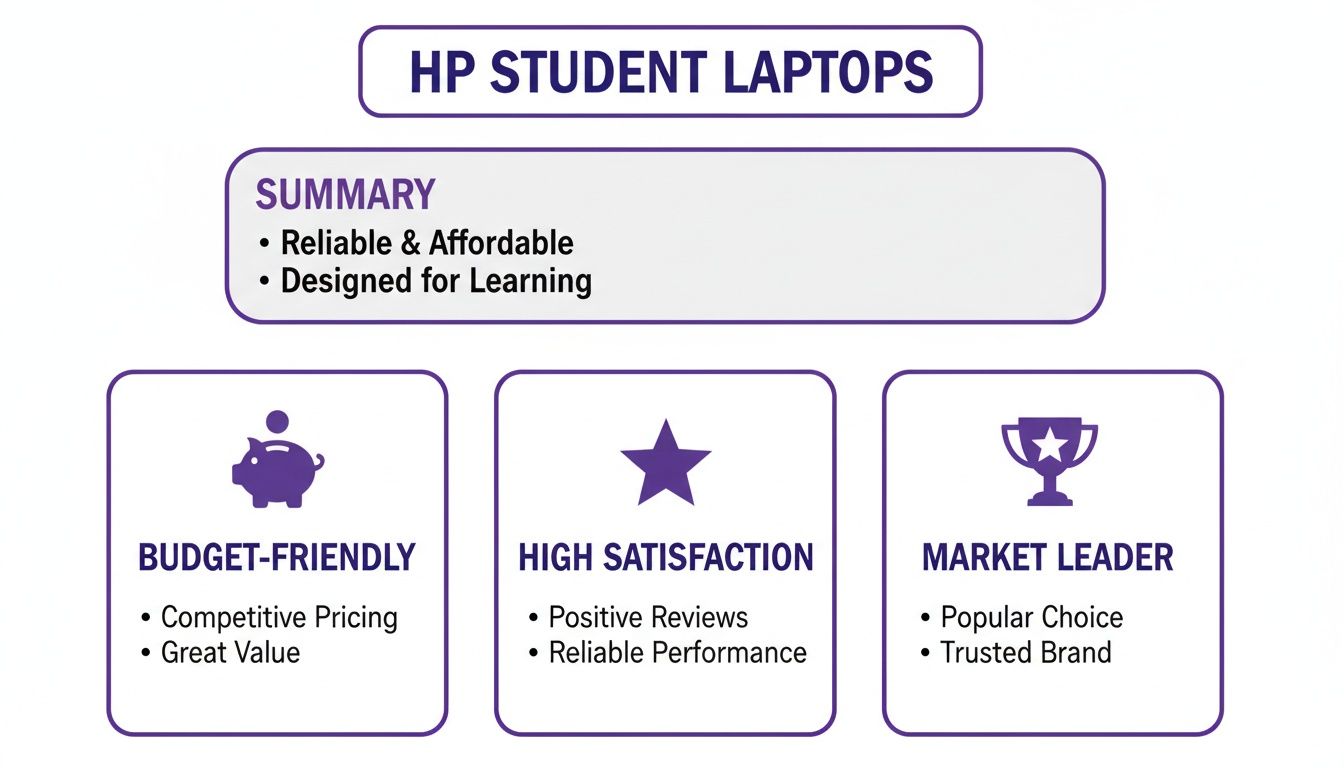
It really highlights how HP has managed to lead the market by catering to everyone, from students needing an affordable machine to those who require high-end performance.
When The Spectre Enters The Conversation
And then there's the HP Spectre, the flagship of the fleet. This is where HP puts all its best tech, like jaw-dropping OLED touchscreens and slick 2-in-1 convertible designs that flip from a powerhouse laptop into a digital notebook. For an engineering student running complex simulations or a design major who needs a pen-enabled tablet for sketching, the Spectre is the ultimate all-in-one tool.
The decision really boils down to this: A Pavilion gets the job done reliably and won't hurt your wallet. An Envy elevates the entire experience with better build quality and visuals. A Spectre delivers top-tier, no-compromise performance for the most demanding student workloads out there.
To help you see exactly where the main differences lie, we've broken down the core specs for each series.
Detailed Spec Showdown: Pavilion vs Envy vs Spectre
This table gives you a side-by-side technical look at how HP's three main student-focused laptop series stack up. It’s designed to highlight the key performance and feature differences so you can pinpoint which one aligns with your needs and budget.
| Feature | HP Pavilion | HP Envy | HP Spectre |
|---|---|---|---|
| Primary User | Everyday students (essays, browsing, streaming) | Creative students (photo editing, light video, design) | Power users (engineering, design, programming) |
| Build Material | Mostly plastic | Aluminum body | Premium CNC-machined aluminum |
| Display Quality | Good (Full HD, standard color accuracy) | Excellent (Brighter, higher color accuracy, optional OLED) | Best-in-class (OLED, high resolution, touch standard) |
| Performance | Solid for multitasking and productivity apps | Enhanced for creative software and heavier workloads | Top-of-the-line for demanding applications and simulations |
| Form Factor | Traditional clamshell laptop | Clamshell or 2-in-1 convertible | Primarily premium 2-in-1 convertibles |
| Price Point | $ (Most affordable) | $$ (Mid-range) | $$$ (Premium) |
Ultimately, picking one is a trade-off. The Spectre's cutting-edge features come with a premium price, while the Pavilion’s affordability means you're giving up some of that build quality and display brilliance. The Envy sits right in that sweet spot, offering a taste of luxury without the top-end cost.
HP’s latest models are blurring these lines more than ever, with serious performance upgrades across the board. Many now pack AI-powered enhancements with NPUs that can deliver up to 50 TOPS, leading to a massive 224% boost in power efficiency. For you, this means 43 times faster AI processing and battery life that can stretch up to 34 hours—perfect for those marathon study sessions on campus.
It’s no wonder that in Europe, students make up a whopping 30% of HP users aged 18-50. They're drawn to these powerful features and HP's commitment to using sustainable, recycled materials. You can discover more about HP's innovations for college students over on their official blog. All this new tech means even the budget-friendly lines are more capable than ever before.
Matching Your Major with the Perfect HP Laptop
Picking the right laptop isn't just about comparing spec sheets; it's about finding a tool that actually fits how you work and what you study. The best HP laptop for a business major who lives in spreadsheets is worlds apart from what a graphic design student needs to bring their creative projects to life.
When you line up your laptop choice with your field of study, you make sure you've got the power you need without dropping cash on features you'll never touch.
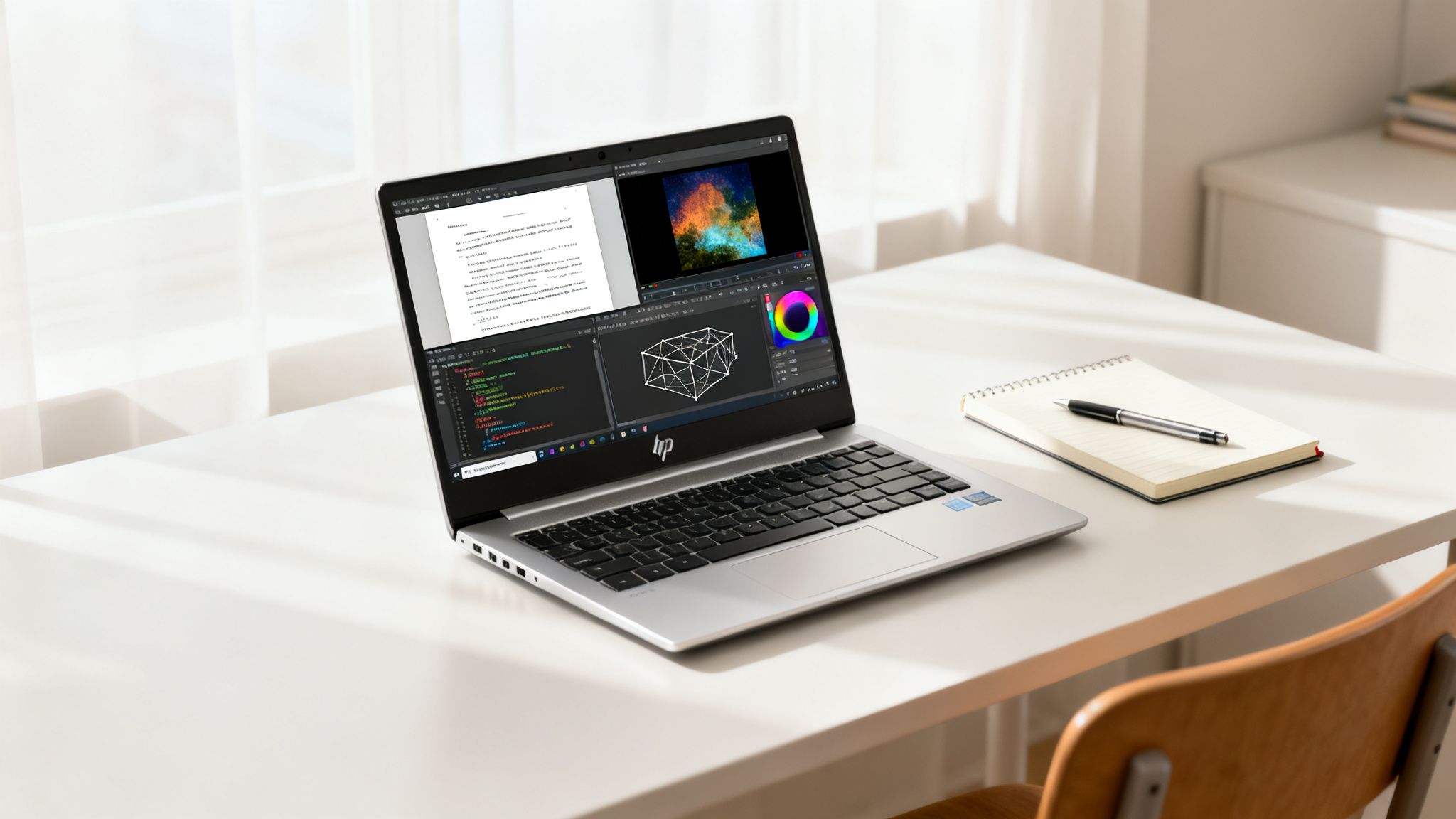
This kind of practical thinking is a big reason why HP is so popular on campus. Student demand has pushed HP to the top, with 20-30% of customers aged 18-50 in big markets like North America and Europe being students. This fuels sales for everything from budget-friendly machines to high-performance beasts, especially during the back-to-school rush. You can see this spike yourself by checking out these search trends for HP laptops.
For Humanities and Business Majors
If your degree is all about research, writing essays, and building presentations, your priorities are simple: portability and a battery that won't die on you. You're always on the move—from the library to lecture halls and your favourite coffee shop.
For this kind of hustle, the HP Pavilion Aero 13 is a fantastic pick. It’s incredibly lightweight, so you'll barely notice it in your backpack, and its battery will easily power you through a full day of classes. It’s got more than enough muscle for juggling dozens of browser tabs, streaming lectures, and running Microsoft Office without breaking a sweat.
For Engineering and Computer Science Students
Students in STEM fields need a whole different level of power. Engineering majors are running demanding CAD software like AutoCAD or SolidWorks. Meanwhile, computer science students need a beefy CPU and lots of RAM for compiling code and running virtual machines.
This is where an HP Envy or HP Spectre with a dedicated graphics card becomes non-negotiable. You’ll want to look for models with at least an Intel Core i7 processor and 16GB of RAM to keep complex calculations and massive datasets running smoothly. The GPU is there to speed up rendering in your modeling software, saving you from those frustrating slowdowns.
And while you're at it, you might want to check out our guide on the Autodesk student discount to save some money on essential software.
Key Insight: For engineering students, the GPU isn't for gaming—it's a critical tool that accelerates the professional software you'll be using every single day. A laptop with only integrated graphics will hit a wall fast when it comes to 3D modeling and simulations.
For Art and Design Students
If you’re a creative major, your world revolves around visuals, which means screen quality is everything. You absolutely need a display with amazing color accuracy—think 100% sRGB coverage or better—to make sure your digital art, photos, and videos look exactly how you intended.
The HP Spectre x360 is the clear winner in this category. Its 2-in-1 design, combined with a gorgeous, color-accurate touchscreen and pen support, makes it a dream for digital illustration and photo editing. The ability to flip it into a tablet for drawing in apps like Adobe Fresco gives you a level of flexibility that no traditional laptop can offer, making it the best HP laptop for students in creative fields.
Key Features Students Should Prioritize
Walking into the tech aisle and staring at a wall of laptops can feel like trying to read a foreign language. To actually find the best HP laptop for you, you've got to cut through all the marketing jargon and focus on what’s going to directly impact your day-to-day uni life, from booting up two minutes before a lecture to juggling a dozen research tabs at midnight.
Your laptop's performance really boils down to a few key parts working together. If you know what they do, you can put your money where it really counts and avoid the frustration of a slow machine when deadlines are looming.
Processing Power and Memory
Think of the Central Processing Unit (CPU) as your laptop's brain and the Random Access Memory (RAM) as its short-term memory. For most students, an Intel Core i5 or AMD Ryzen 5 processor hits that sweet spot between performance and price. It'll easily handle all the basics like web browsing, streaming lectures, and running Microsoft Office.
But, if you're a heavy multitasker—and let's be real, what student isn't?—then upgrading to 16GB of RAM is non-negotiable. We're talking dozens of browser tabs, a lecture stream, a Word doc, and your citation manager all running at once. 16GB prevents your laptop from slowing to a crawl right when you need it most. While you can get by with 8GB for light use, 16GB is really the new standard for a modern, responsive student laptop. And to make all that writing a bit easier, see how a Grammarly student discount can help polish up your assignments.
Storage Speed and Capacity
The type of storage drive in a laptop makes a massive difference in how fast it feels. A Solid-State Drive (SSD) is an absolute must-have. It’s the reason some laptops boot up almost instantly and load apps in a flash. Any laptop still using an old-school mechanical hard drive (HDD) is just going to feel sluggish in comparison.
When it comes to how much space you need, a 256GB SSD is a decent starting point for your essential software and documents. But honestly, a 512GB SSD is a much smarter long-term investment. It gives you plenty of breathing room for big project files, chunky software suites, and your own photos and videos without that constant "storage almost full" panic.
All-Day Battery Life
Campus life means you're always on the move, and you can't bet on finding a free power outlet. This is a big one: prioritize a laptop with a battery that can last at least 8-10 hours on a single charge. That’s enough to get you through a full day of classes, a library session, and a group project meeting without being tethered to your charger.
Key Consideration: Just like your phone's, a laptop battery's performance will fade over time. Check reviews for a model's initial battery life and think about its long-term serviceability. It's good to know that if the battery starts to die too quickly after a few years, you can often replace a laptop battery in HP models to give it a new lease on life.
Beyond these core specs, think about the little things that fit how you study. A high-resolution screen (Full HD or 1920×1080) is so much easier on the eyes during long reading sessions, and a 2-in-1 convertible design with a stylus can be a total game-changer for taking digital notes.
How to Get the Best Deal on Your Student Laptop
Let's be real, being a student means you become an expert at making your money go further. The good news is, nabbing the best HP laptop for students doesn't mean you have to pay top dollar. If you're smart about it, you can score a great machine for way less.
Your first stop should always be the official HP Education Store. This is HP's special portal just for students, with prices you won't find on their regular site. Getting in is easy—you just need to prove you're a student, usually with a .edu email or by verifying through a service like UNiDAYS. It only takes a minute and unlocks instant savings on everything from the budget-friendly Pavilion to the high-end Spectre. For a full rundown, check out this guide to the HP student discount.
Master Your Purchase Timing
On top of the standard student discount, timing is everything. A little patience can save you a whole lot of cash. There are two key times of the year when laptop deals get really good.
- Back-to-School Season (July-September): This is when HP and pretty much every other retailer go all out. They often throw in freebies like printers or software on top of some seriously good discounts.
- Black Friday and Cyber Monday (November): It's a bit of a frenzy, but this weekend often has the absolute steepest price drops of the entire year. It’s the perfect time to grab a more powerful laptop without the hefty price tag.
Pro Tip: Don't just camp out on the HP website. Big retailers like Best Buy and Amazon get super competitive during these sales. Sometimes you'll find they have better bundle deals or have slashed the price even further on a specific model you've been eyeing.
And one last thing: always do a quick search for stackable coupon codes before you hit that "buy" button. Deal websites and browser extensions can often dig up extra percentage-off codes or free shipping deals that you can pile on top of your student discount. Seriously, a few minutes of searching can easily save you an extra $50 or more.
Last-Minute Questions About HP Student Laptops
Alright, you've narrowed down your choices, but a few nagging questions might still be bouncing around in your head. Getting these last details sorted is key to making sure you're happy with your new HP laptop long after Freshers' Week is over.
Can I Upgrade My HP Laptop Later?
This is a big one, especially if you're trying to save a bit of cash upfront. The good news is that for many of HP's more budget-friendly lines, like the Pavilion and some Envy models, you absolutely can upgrade the RAM and the SSD storage down the track.
This is a fantastic way to future-proof your purchase. If you find your machine is getting a bit sluggish with too many Chrome tabs open in a year or two, popping in another stick of RAM can make a world of difference.
Just be aware that the super-thin and premium ultrabooks, like the Spectre series, often have the RAM soldered directly onto the motherboard to save space. That means whatever you buy is what you're stuck with. If upgradability is a deal-breaker for you, it's always worth checking the specific model's service manual on HP's support website before you hit 'buy'.
Is an Extended Warranty Actually Worth the Money?
Ah, the classic extended warranty dilemma. Whether it's a smart move really comes down to your budget and, let's be honest, how clumsy you are. Every new HP laptop comes with a standard one-year warranty that covers things going wrong on their end (manufacturing defects).
HP's Care Pack plans, however, add accidental damage protection. Think of it as insurance against the chaos of student life—spilled coffee during a late-night study session, a drop on the way to a lecture, you name it.
An extended warranty is basically peace of mind in a box. If you've just dropped a significant amount of cash on a high-end Spectre, spending a little extra to protect that investment from a silly accident can be a lifesaver. For a cheaper Pavilion, you might decide to risk it.
Think about your degree, too. If your laptop is absolutely essential for running specialised software for an engineering or design course, you can't afford for it to be out of action. A solid warranty plan that minimises downtime could save your grades, not to mention saving you hundreds in repair costs from a single mistake.
At Student Wow Deals, our whole mission is to help you save money on the tech you need and everything else that comes with student life. Check out our platform to find the latest discounts and make your budget stretch further. https://studentwowdeals.com