



Juggling tuition, textbooks, and late-night pizza runs makes managing money a core part of student life. You don't have to rely on complicated spreadsheets or guesswork to stay on track. The right app can turn your smartphone into a powerful financial ally, helping you track every dollar, avoid overdraft fees, and even start saving for the future.
This guide cuts through the noise to showcase the best budgeting apps for students, tailored to your unique financial situation. We dive deep into each platform, providing a hands-on analysis of its features, pricing, and specific benefits for student life. Whether you are splitting bills with roommates, navigating finances as an international student, or simply trying to make your part-time job income last until the end of the term, we have a recommendation for you.
Each review is designed for quick scanning, complete with pros and cons, direct download links, and screenshots to give you a clear look before you commit. Our goal is to provide a comprehensive resource that helps you move beyond just tracking expenses. We'll explore which apps offer generous student discounts, which excel at handling shared costs, and which ones make building healthy money habits genuinely simple. Let’s find the perfect tool to put you in control of your finances.
1. YNAB (You Need A Budget)
YNAB, short for You Need A Budget, is more than just a tracking app; it’s a complete financial methodology. It operates on a zero-based budgeting system, where you assign a “job” to every dollar you have. This proactive approach is ideal for students with variable incomes from part-time jobs or fluctuating financial aid, as it forces you to prioritize spending based on the money you actually have, not what you expect to earn. Its structured nature is one of the reasons it's among the best budgeting apps for students who are serious about building lasting financial habits.

The platform stands out with its powerful educational resources, including live workshops and detailed tutorials designed to help you master its four-rule method. This commitment to teaching financial literacy makes the initial learning curve feel manageable. For students, the most significant benefit is the free 12-month subscription offered with proof of enrollment, a generous trial that provides ample time to gain control over your finances. To get the most from this offer, which is one of the many great student discounts available, dedicate time to the initial setup and tutorials.
| Feature | Details |
|---|---|
| Budgeting Style | Zero-Based (Assign every dollar a job) |
| Best For | Students wanting a structured, hands-on approach to building money habits. |
| Pricing | Free for 12 months for students, then $14.99/month or $99/annually. |
| Key Advantage | Extensive educational resources and a proven method for curbing overspending. |
Website: https://www.ynab.com
2. Quicken Simplifi
Quicken Simplifi is designed for students who want a clear, comprehensive financial overview without a steep learning curve. It consolidates all your accounts, spending, and bills into a single, intuitive dashboard, making it easy to see where your money is going at a glance. Its strength lies in its "Spending Plan," which automatically projects your income against upcoming bills and subscriptions to show you what’s left to spend. This forward-looking approach is perfect for students managing fluctuating incomes and fixed expenses like rent or tuition payments, solidifying its place among the best budgeting apps for students seeking simplicity.
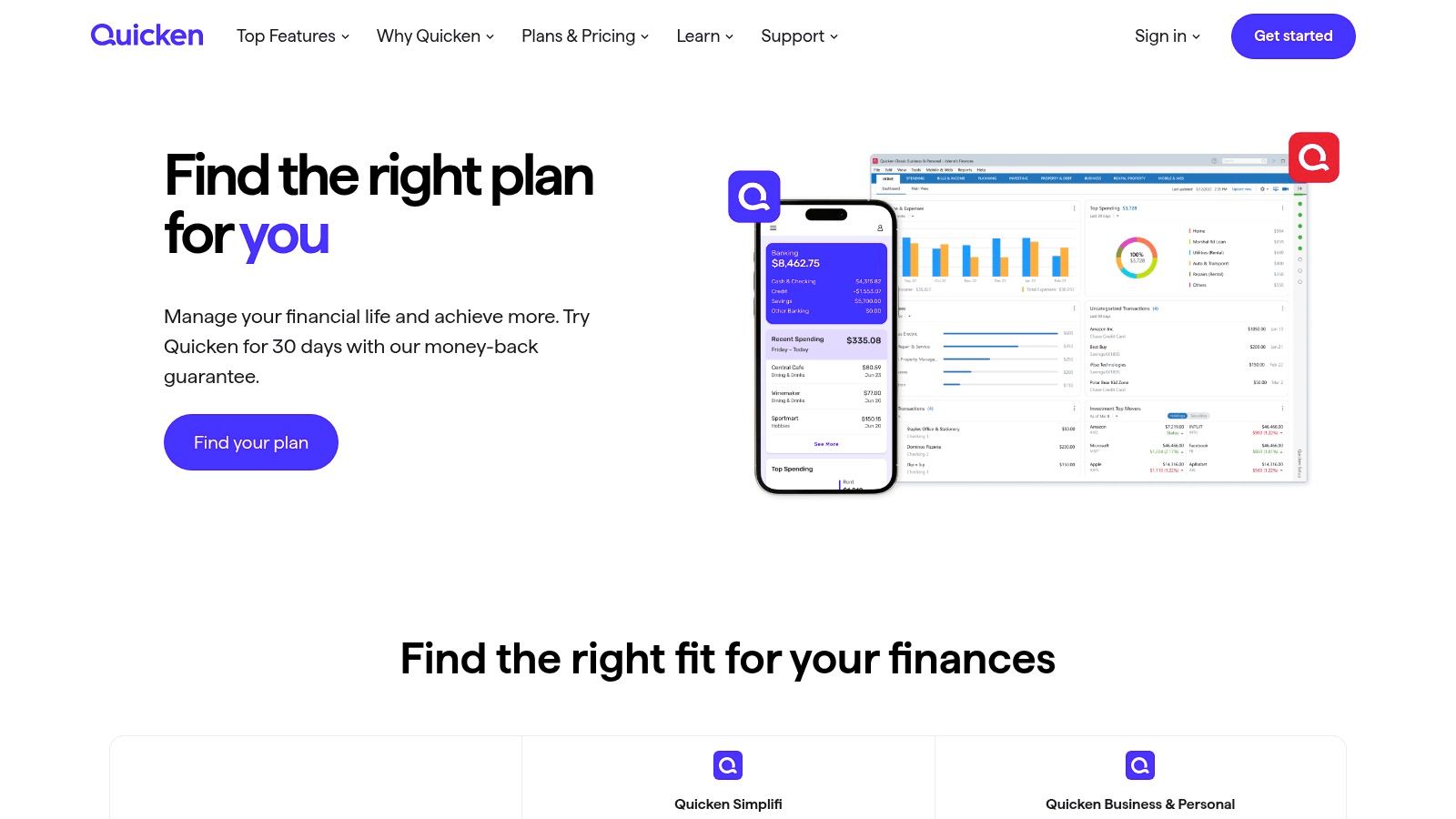
The platform shines with its custom spending "Watchlists," allowing you to monitor specific categories like "takeout" or "textbooks" to prevent overspending. Simplifi also offers robust goal-tracking features, helping you visualize and save for spring break or a new laptop. Unlike many free apps, it provides a clean, ad-free experience, which enhances usability. While there's no permanent free tier, the frequent promotional offers for the first year provide a low-cost entry point for students to get their finances organized with a powerful, user-friendly tool.
| Feature | Details |
|---|---|
| Budgeting Style | Automated Cash Flow & Spending Plan |
| Best For | Students who want an easy-to-use, all-in-one financial dashboard. |
| Pricing | Typically $3.99/month (billed annually); frequent first-year promotions. |
| Key Advantage | Clean, ad-free interface and a powerful dashboard that simplifies tracking. |
Website: https://www.quicken.com/plans-and-pricing?utm_source=openai
3. Monarch Money
Monarch Money is a premium, all-in-one financial dashboard designed for modern money management. Unlike apps that focus solely on day-to-day spending, Monarch provides a comprehensive view of your entire net worth, including investments, loans, and even assets like a car. For students planning long-term goals like paying off student loans or saving for a down payment, its goal-setting and investment tracking tools offer a significant advantage over simpler apps. This holistic approach makes it one of the best budgeting apps for students who want to see the bigger financial picture.

The standout feature for students living with others is its built-in collaboration. You can invite a partner or roommates to your dashboard to manage shared expenses without sharing all your personal financial details. This makes splitting bills for rent, utilities, and groceries transparent and straightforward. While it lacks a permanent free version, the platform is entirely ad-free and prioritizes user privacy. Its polished interface and powerful customization options justify the cost for those who need more than basic expense tracking.
| Feature | Details |
|---|---|
| Budgeting Style | Holistic Net Worth Tracking & Goal-Oriented |
| Best For | Students managing shared expenses or wanting to track long-term goals. |
| Pricing | Free 30-day trial, then $14.99/month or $99.99/annually. |
| Key Advantage | Built-in collaboration for shared finances and comprehensive net worth tracking. |
Website: https://www.monarchmoney.com
4. EveryDollar (Ramsey Solutions)
EveryDollar, developed by Ramsey Solutions, brings the popular zero-based budgeting principles of financial expert Dave Ramsey into a simple, user-friendly app. It’s designed to be approachable, making it a strong contender among the best budgeting apps for students who are just starting their financial journey and might feel intimidated by more complex platforms. The core idea is to give every dollar a purpose before the month begins, which helps prevent impulse spending on a tight student budget. Its straightforward approach focuses on planning and intentionality.
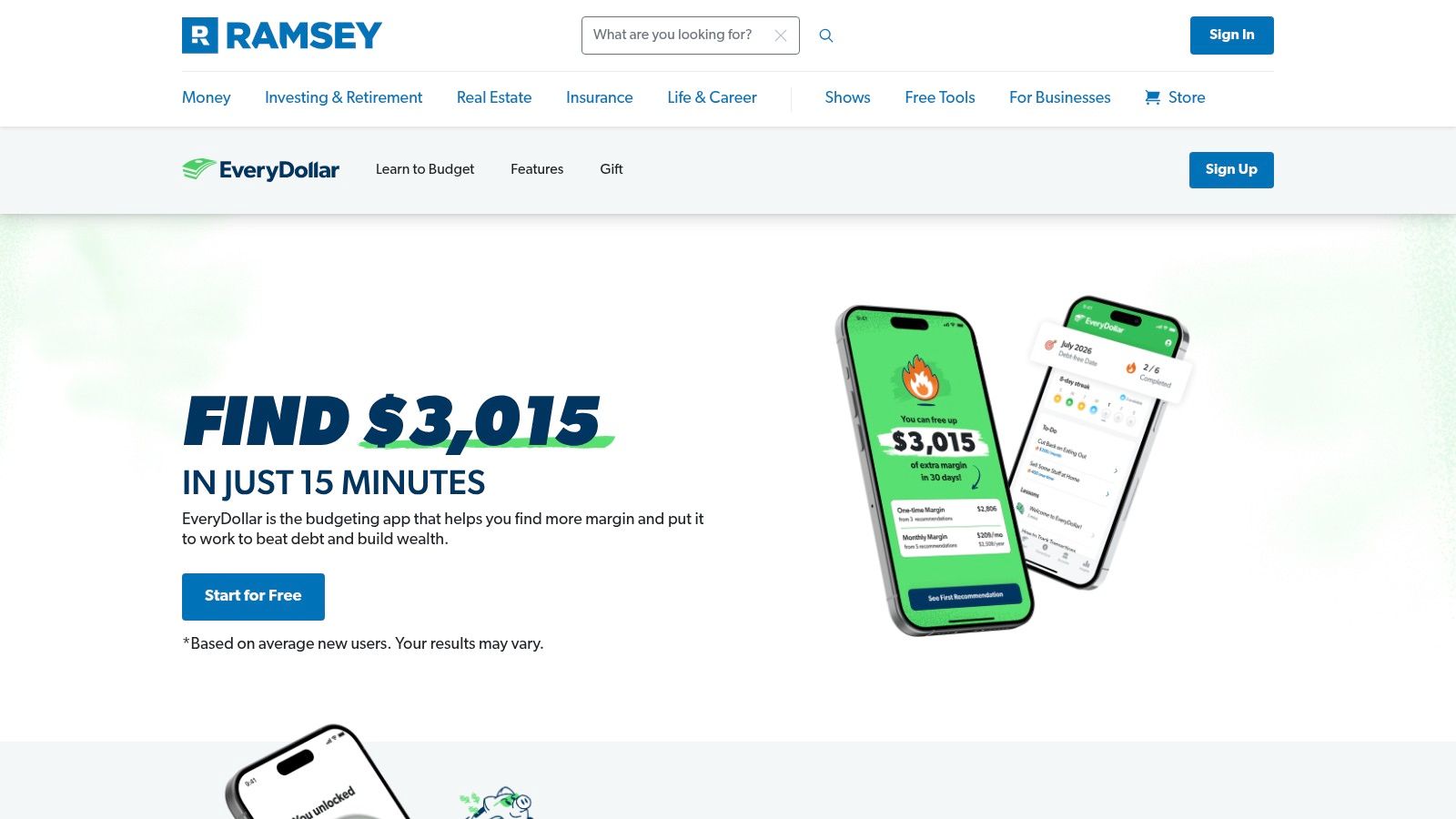
The platform offers a robust free version that is fully functional for manual expense tracking, perfect for students who prefer a hands-on method or want to avoid linking bank accounts. This version forces you to be conscious of every transaction you enter. For those seeking automation, the premium version adds bank syncing, which automatically imports transactions and streamlines the tracking process. While the premium features are primarily focused on the U.S. banking system, the free manual version is an excellent and universally accessible tool for building foundational budgeting discipline.
| Feature | Details |
|---|---|
| Budgeting Style | Zero-Based (Based on Dave Ramsey's method) |
| Best For | Beginners looking for a simple, no-frills entry into zero-based budgeting. |
| Pricing | Free version available (manual entry). Premium is $79.99/year. |
| Key Advantage | Extremely easy to use with a free version that covers all the essentials. |
Website: https://www.everydollar.com
5. PocketGuard
PocketGuard simplifies budgeting down to one crucial question: "How much is in my pocket?" It analyzes your income, recurring bills, and savings goals to calculate a daily "safe to spend" amount, which is perfect for students who need a quick, no-fuss reality check before making a purchase. Instead of getting bogged down in complex spreadsheets, PocketGuard offers straightforward guardrails, making it one of the best budgeting apps for students who prefer a simplified, at-a-glance approach to their finances. Its main appeal is clarity and immediacy.
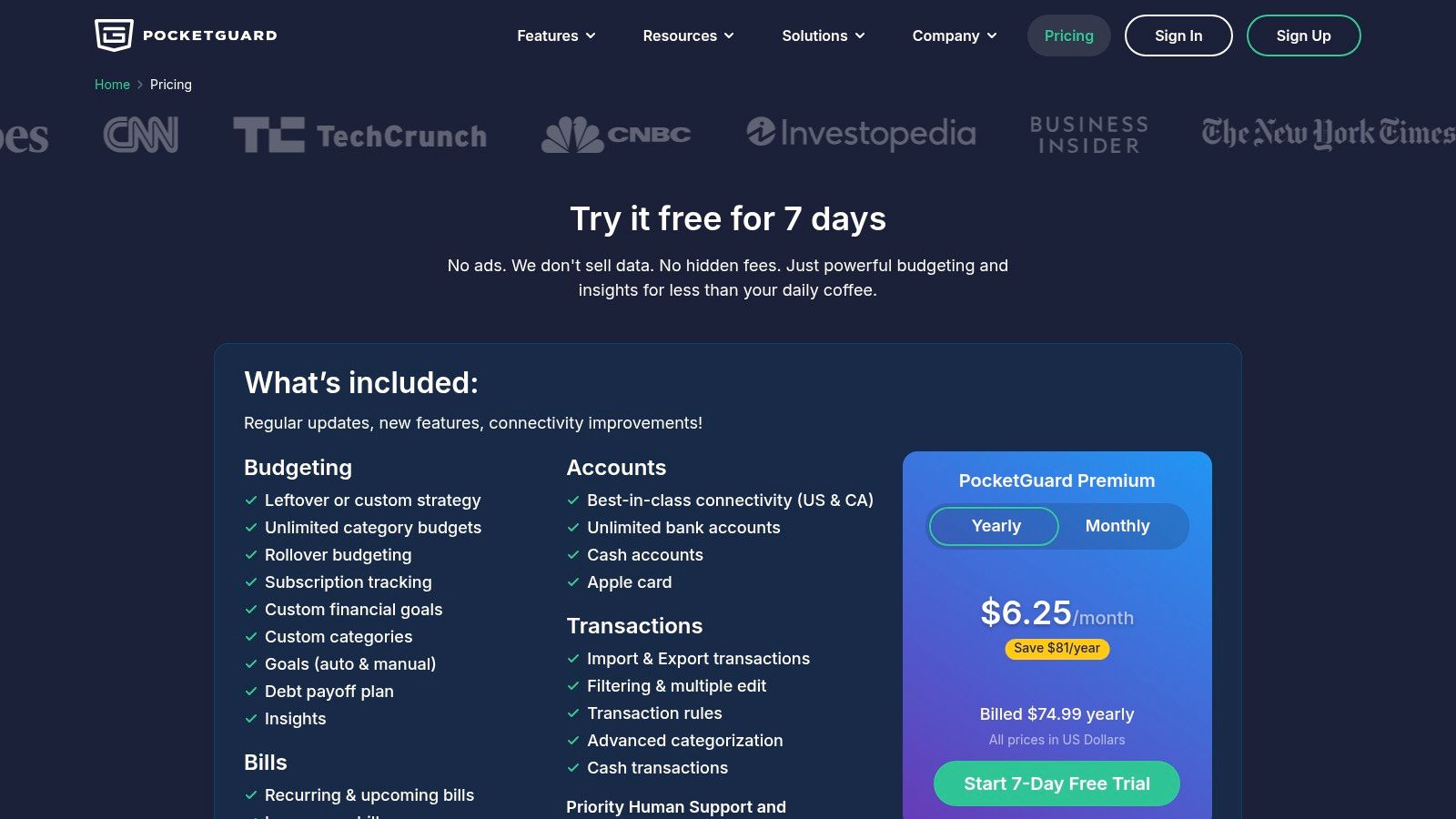
The platform also excels at identifying financial drains, such as forgotten subscriptions and bank fees, and helps you negotiate better rates on bills like cable and cell phone service. This feature can quickly put money back into a tight student budget. While the free version is limited, the premium plan unlocks powerful tools like debt payoff planning and unlimited transaction categories. Be aware that the core "In My Pocket" experience is now primarily part of the paid tier, so you'll likely need to subscribe for the full benefit.
| Feature | Details |
|---|---|
| Budgeting Style | Simplified (Calculates a "safe to spend" daily amount) |
| Best For | Students who want a quick, actionable spending limit without deep analysis. |
| Pricing | Limited free version; Plus is $12.99/month or $79.99/annually. |
| Key Advantage | The "In My Pocket" feature provides immediate clarity on disposable income. |
Website: https://pocketguard.com/pricing/?utm_source=openai
6. Goodbudget
Goodbudget brings the classic envelope budgeting method into the digital age. This system involves allocating your income into virtual "envelopes" for different spending categories like groceries, rent, or entertainment. It’s a straightforward, visual way to manage your money, making it one of the best budgeting apps for students who prefer a hands-on approach to tracking their cash flow without necessarily linking bank accounts. This method builds discipline by forcing you to spend only what you’ve allocated to each envelope.
The platform is particularly effective for students sharing expenses. You can sync your budget across multiple devices, allowing roommates to track shared costs like utilities or groceries from a single, transparent budget. While the free version requires manual entry, this can be a benefit, as it increases your awareness of every transaction. For students who want to learn disciplined spending habits without the complexity of more advanced apps, Goodbudget provides a simple and effective framework. The U.S.-only bank sync is a limitation, but its core manual system works perfectly for anyone, anywhere.
| Feature | Details |
|---|---|
| Budgeting Style | Digital Envelope System |
| Best For | Students sharing expenses or those who prefer a manual, cash-based approach. |
| Pricing | Free version with limited envelopes; Plus plan is $8/month or $70/annually. |
| Key Advantage | Excellent for shared household budgets and teaching spending discipline. |
Website: https://goodbudget.com/help/billing/subscribe-to-goodbudget/?utm_source=openai
7. Rocket Money (formerly Truebill)
Rocket Money excels at finding and eliminating the "money drains" that often plague student budgets, like forgotten subscriptions or overpriced bills. Its primary function is to scan your spending, identify recurring charges, and offer a one-click cancellation service for unwanted services. This is a game-changer for students who have signed up for multiple free trials and forgotten to cancel them. The platform goes beyond simple tracking by actively helping you lower your monthly expenses.
The app's bill negotiation feature is particularly powerful, where the Rocket Money team attempts to lower bills like internet or phone services on your behalf. While its most impactful tools are part of the Premium subscription, the free version still provides valuable insights into your cash flow and spending habits. Its focus on cutting costs makes it one of the best budgeting apps for students who want a more automated, hands-off approach to saving money on their existing bills and subscriptions.
| Feature | Details |
|---|---|
| Budgeting Style | Automated Expense Tracking & Cost Reduction |
| Best For | Students who want to automatically find and cut recurring subscriptions and bills. |
| Pricing | Free tier available. Premium costs $4-$12/month (pay-what-you-feel-is-fair model). |
| Key Advantage | Powerful subscription cancellation and bill negotiation services to lower monthly costs. |
Website: https://rocketmoney.com
8. Splitwise
Splitwise isn't a traditional budgeting app but an essential financial tool for any student living with roommates or frequently sharing costs with friends. Its entire focus is on simplifying shared expenses, from groceries and utility bills to group dinners and travel. The platform allows you to create groups, log who paid for what, and keeps a running, transparent tally of who owes whom. This functionality makes it one of the best budgeting apps for students specifically looking to manage group finances and avoid awkward money conversations.
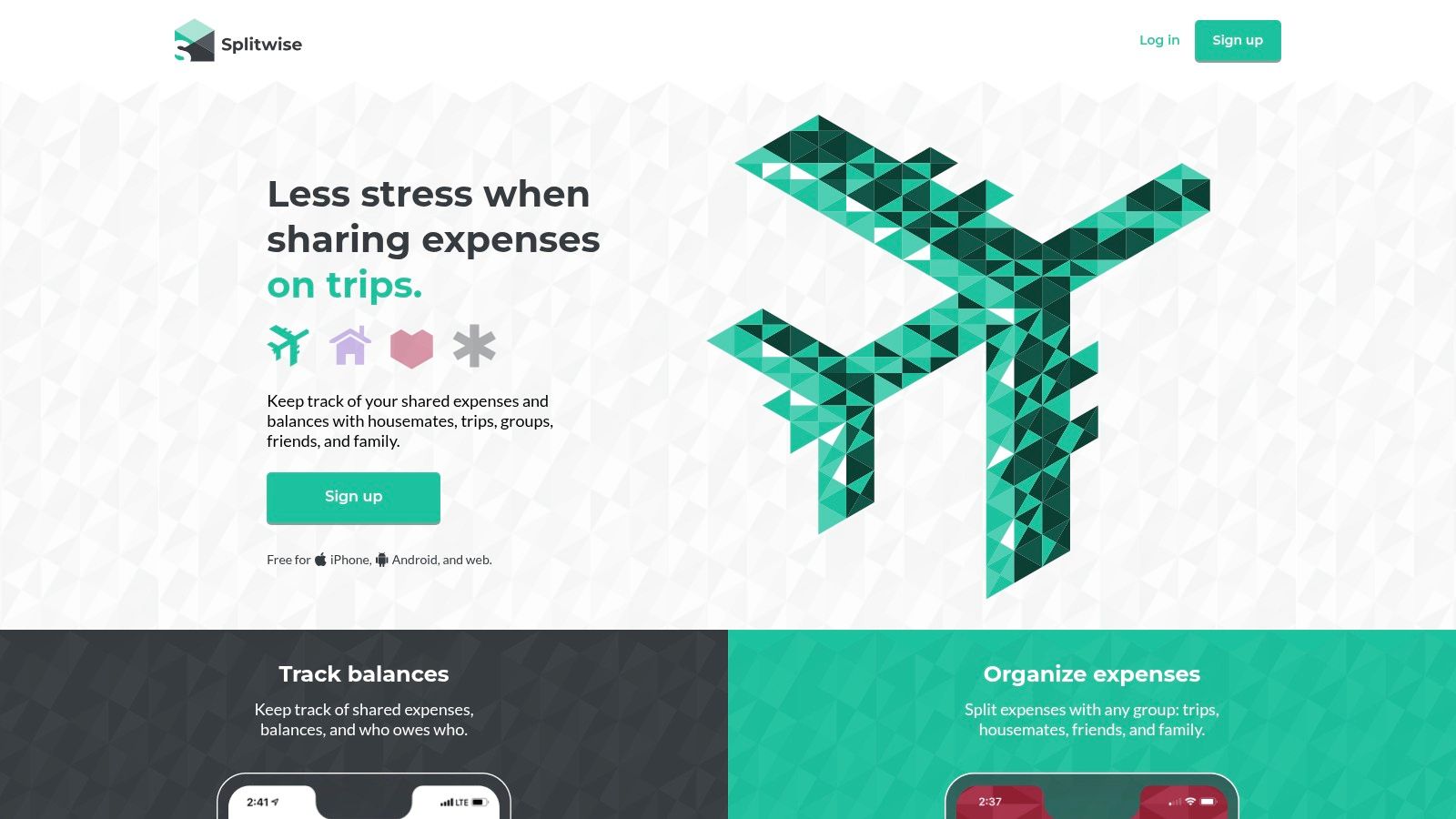
The free version covers all the essentials needed for clear expense tracking and settlement. For those dealing with more complex situations, like studying abroad or managing a household with multiple bills, Splitwise Pro adds valuable features like currency conversion, receipt scanning, and spending charts. By keeping a clear, accessible record, Splitwise helps maintain harmony in shared living situations, which is a key part of successful student accommodation. Its focused, user-friendly approach to a common student financial challenge earns it a solid place on our list.
| Feature | Details |
|---|---|
| Budgeting Style | Shared Expense Tracking (Not a personal budgeting tool) |
| Best For | Students with roommates or those who frequently split bills with friends. |
| Pricing | Free for core features. Splitwise Pro is available for a monthly fee. |
| Key Advantage | Eliminates confusion and conflict over shared expenses with a clear ledger. |
Website: https://www.splitwise.com
9. Honeydue
Honeydue is a budgeting app designed specifically for partners, making it an excellent choice for students who live with a significant other or a roommate. Its core function is to provide transparency and simplify shared finances without completely merging bank accounts. You can link both joint and individual accounts, decide what to share with your partner, and track bills together. This collaborative approach helps prevent misunderstandings over rent, groceries, and utilities, which is a common stressor for students sharing expenses.
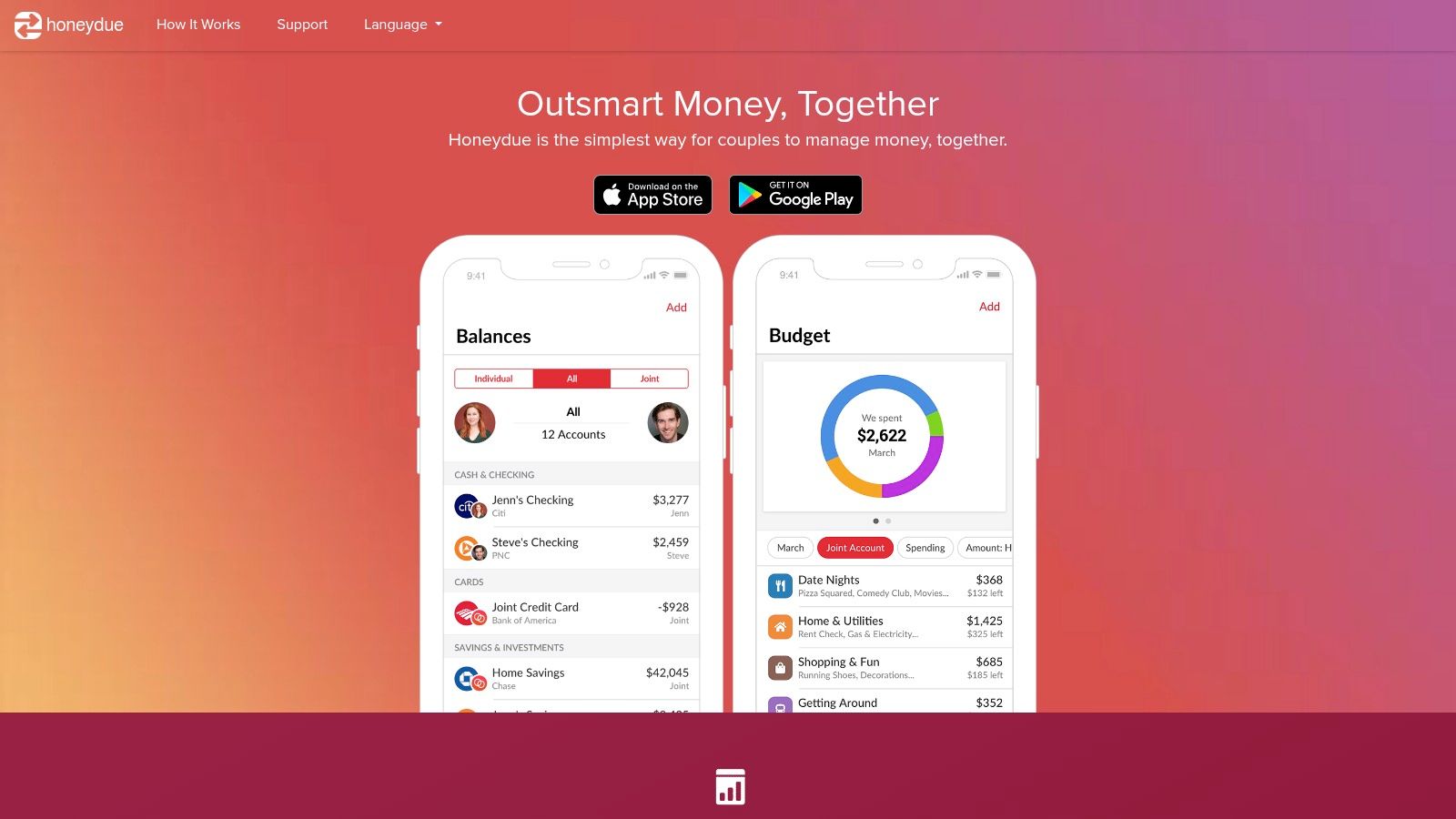
The platform stands out with its built-in chat feature, allowing you and your partner to comment directly on specific transactions, ask questions, or add reminders. This keeps money conversations organized and contextual. Honeydue also sends alerts for upcoming bills and when you’re approaching category spending limits. Because it's a mobile-first app, it’s convenient for on-the-go tracking. Its focus on shared financial management makes it one of the best budgeting apps for students navigating the complexities of combined living costs for the first time.
| Feature | Details |
|---|---|
| Budgeting Style | Collaborative Tracking (For partners or roommates) |
| Best For | Students sharing finances and bills with a partner or a single roommate. |
| Pricing | Free (The app is supported by optional tips from users). |
| Key Advantage | Simplifies shared expenses and facilitates communication about money. |
Website: https://www.honeydue.com/?utm_source=openai
10. Fudget
If the idea of connecting bank accounts and dealing with complex categories feels overwhelming, Fudget is the antidote. It ditches automation in favor of extreme simplicity, presenting your budget as a straightforward list of income and expenses. This manual, hands-on approach is perfect for students who want to track specific, short-term budgets, like a spring break trip, a semester's textbook fund, or a monthly grocery allowance. Its stripped-down interface makes it one of the best budgeting apps for students who find other platforms too cluttered or intimidating.
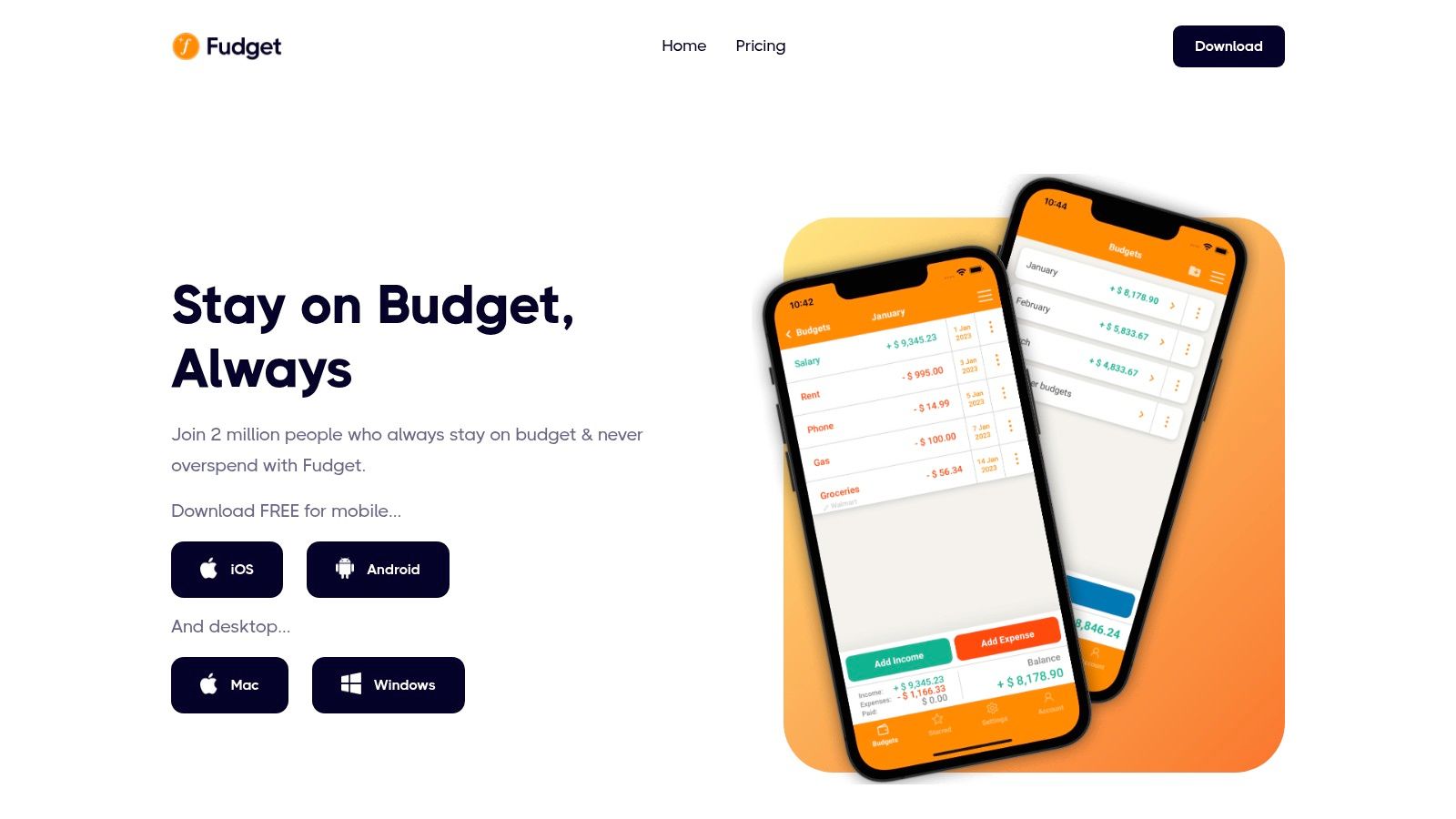
The app's core strength is its speed and simplicity; you can create a budget and start adding entries in seconds. Fudget works entirely offline, which is a major plus for privacy and accessibility. While the free version is fully functional, a one-time Pro upgrade unlocks useful features like syncing across devices via Dropbox, exporting your budgets as CSV files, and passcode protection. For students who just need a simple digital ledger to track cash flow without any bells and whistles, Fudget provides exactly that and nothing more.
| Feature | Details |
|---|---|
| Budgeting Style | Manual List-Based (Simple income vs. expenses) |
| Best For | Students who prefer manual entry and a minimalist, no-frills interface. |
| Pricing | Free (Ad-supported). A one-time purchase for Pro features ($3.99). |
| Key Advantage | Extremely easy to learn and use, works offline, and respects user privacy. |
Website: https://fudget.com
11. Apple App Store (U.S.)
While not a budgeting app itself, the Apple App Store is the primary gateway for iOS users to find, vet, and download the tools that will shape their financial habits. For students with an iPhone or iPad, it’s the essential starting point for discovering the best budgeting apps for students available. It serves as a secure, centralized marketplace where you can compare apps like YNAB, EveryDollar, and PocketGuard side-by-side, read unfiltered user reviews, and view screenshots to get a feel for the interface before committing. This allows you to make an informed choice based on real-world feedback from other users.
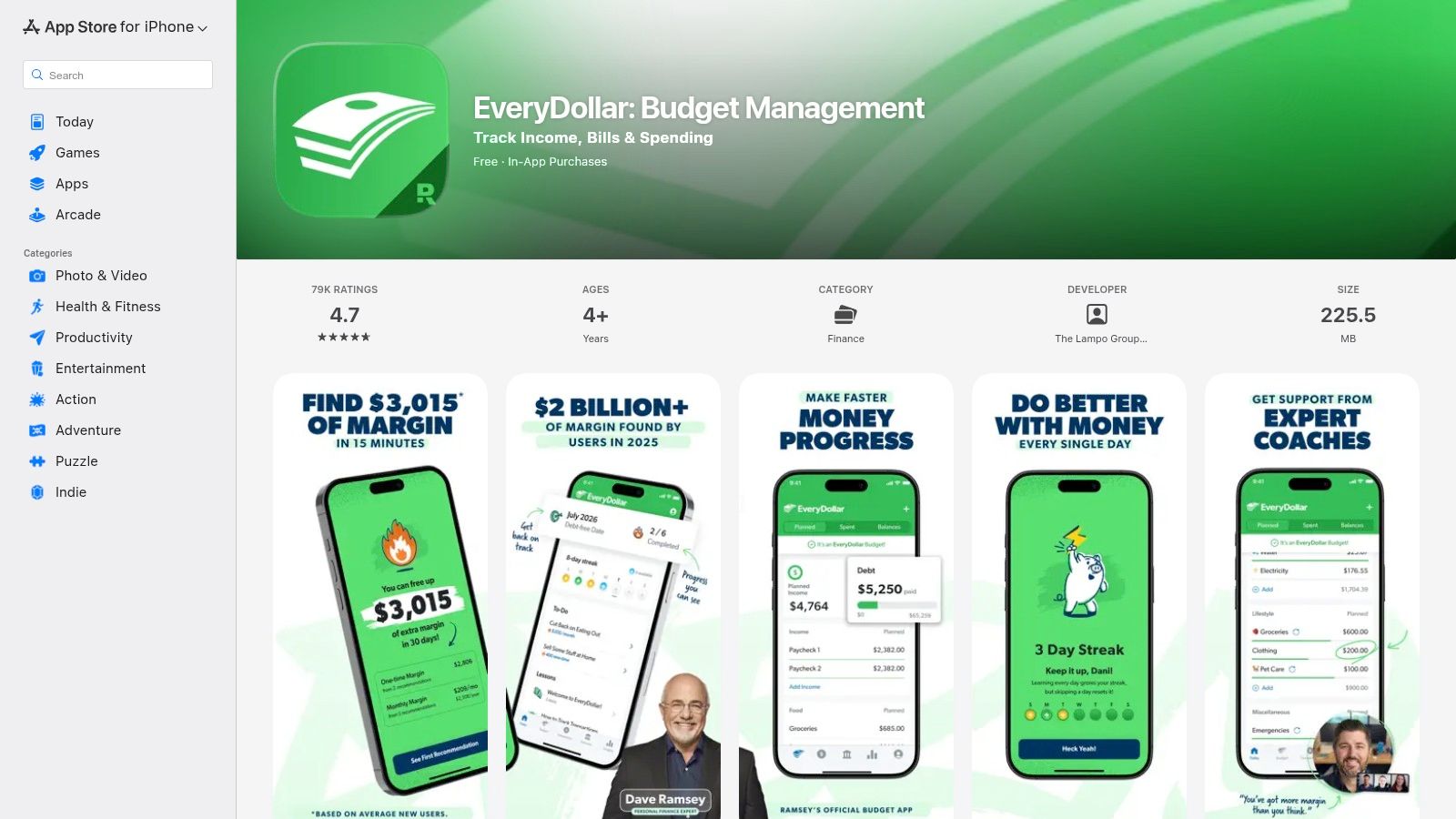
The platform excels in its user-friendly management of subscriptions and payments. Students can easily track trials, manage recurring fees, and cancel subscriptions directly through their Apple ID, preventing unwanted charges. Apple’s stringent developer verification and privacy controls provide an added layer of security, ensuring that the apps you download are trustworthy. A key tip is to always check the "In-App Purchases" section on an app's page; it provides a transparent breakdown of all potential costs, from monthly subscriptions to premium one-time unlocks, helping you budget for the app itself.
| Feature | Details |
|---|---|
| Budgeting Style | A platform for discovering all styles of budgeting apps. |
| Best For | iOS users wanting to securely find, compare, and manage budgeting apps. |
| Pricing | Free to browse; app prices vary (free, freemium, or paid subscriptions). |
| Key Advantage | Centralized reviews, secure billing, and easy subscription management. |
Website: https://apps.apple.com/us/app/everydollar-budget-your-money/id942571931?utm_source=openai
12. Google Play Store
For Android users, the Google Play Store is the primary gateway to discovering the best budgeting apps for students. It serves as a massive, centralized marketplace where you can find nearly every major budgeting tool, from established names like Rocket Money and PocketGuard to niche apps designed for specific needs like Honeydue for couples. Instead of being a single app, it’s the platform where you can compare options, read user reviews, and see screenshots to find a tool that fits your financial style and goals.
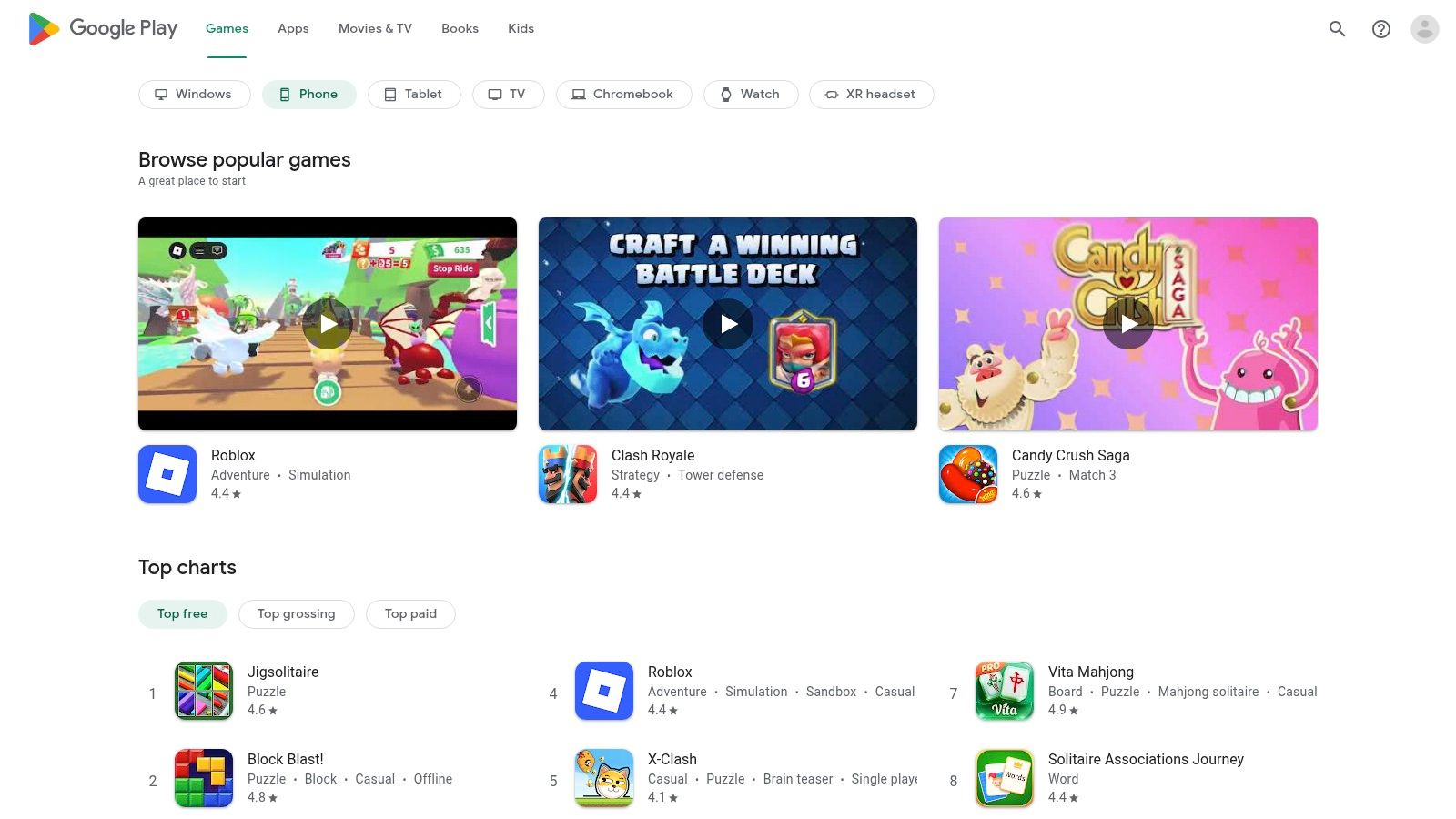
The platform excels at simplifying the process of finding and managing apps. Editorial roundups and curated lists often highlight top-rated or trending financial tools, making discovery easy. Managing all your app subscriptions through a single Google account is a significant advantage, preventing forgotten recurring charges. To get the most out of it, utilize the search filters and always check the "What's New" section for recent updates, as developers frequently add features based on user feedback. For more ways to save on your mobile device, check out the Student Wow Deals app on the Google Play Store.
| Feature | Details |
|---|---|
| Budgeting Style | Varies by app; a marketplace for all budgeting methodologies. |
| Best For | Android users wanting to explore and compare a wide variety of budget apps. |
| Pricing | Free to browse; individual app pricing varies (free, freemium, paid). |
| Key Advantage | Centralized hub for app discovery, user reviews, and secure subscription management. |
Website: https://play.google.com
Top 12 Student Budgeting Apps — Feature Comparison
| Product | Core features | UX & Quality ★ | Price & Value 💰 | Target 👥 | Key USP ✨/🏆 |
|---|---|---|---|---|---|
| YNAB (You Need A Budget) | Zero-based budgeting, bank sync/manual, goals, reports | Hands‑on + education → ★★★★ | 💰 12 months free for students → then subscription | 👥 Students & habit builders | ✨ Education-first method, workshops 🏆 |
| Quicken Simplifi | Unified dashboard, cash flow, bills, subscriptions, goals | Clean, beginner-friendly → ★★★★ | 💰 Annual billing; frequent first‑year promos | 👥 Beginners wanting simple overview | ✨ Simple unified cash‑flow dashboard |
| Monarch Money | Unlimited account connections, investments, collaborators | Polished web & mobile → ★★★★ | 💰 Premium annual; no permanent free tier | 👥 Families/roommates & long‑term planners | ✨ Collaboration + long‑term planning 🏆 |
| EveryDollar (Ramsey) | Zero-based monthly budgets, paycheck planning, net‑worth (Premium) | Very easy to learn → ★★★★ | 💰 Free basic; Premium for bank import/automation | 👥 First‑time budgeters | ✨ Simplest zero‑based implementation |
| PocketGuard | "In My Pocket" safe‑to‑spend, bills, debt, subs | Fast, actionable → ★★★★ | 💰 Core now behind paid tier; limited free | 👥 Students needing quick spend limits | ✨ Instant "safe‑to‑spend" view |
| Goodbudget | Envelope budgeting, shared budgets, debt tracking | Simple, disciplined → ★★★ | 💰 Generous free plan; Premium for bank sync (US) | 👥 Couples/roommates & manual budgeters | ✨ Digital envelope method; strong free tier |
| Rocket Money (Truebill) | Subscription detection/cancel, bill negotiation, budgets | Strong at subs detection → ★★★★ | 💰 Free tier; paywalled premium; flexible pricing | 👥 Students trimming recurring costs | ✨ Subscription cancellation + negotiation 🏆 |
| Splitwise | Shared ledgers, settle‑ups, currency conversion (Pro) | Essential for groups → ★★★★ | 💰 Free core; Pro adds OCR/charts/currency | 👥 Roommates, groups, travelers | ✨ Best for splitting & clear records |
| Honeydue | Joint & individual links, category limits, chat, bill reminders | Mobile‑first, friendly → ★★★ | 💰 Free with optional tipping | 👥 Couples/partners | ✨ Full feature set free; in‑app chat |
| Fudget | Minimal manual budgets, offline, simple charts, passcode | Ultra‑minimal & easy → ★★★ | 💰 Free basic; inexpensive Plus for sync | 👥 Minimalists & offline users | ✨ Offline, ultra‑simple budgeting |
| Apple App Store (U.S.) | App distribution, ratings, secure payments, family sharing | Trusted ecosystem → ★★★★★ | 💰 Free to browse; in‑app pricing varies | 👥 iOS/iPadOS users (students) | ✨ Centralized reviews & trusted billing 🏆 |
| Google Play Store | App discovery, reviews, secure billing, editorial lists | Wide discovery → ★★★★★ | 💰 Varies; frequent promos & bundles | 👥 Android users (students) | ✨ Broad app selection + promos |
Choosing Your Perfect Budgeting Partner
Navigating the world of personal finance as a student can feel overwhelming, but the right digital tool can transform confusion into confidence. As we've explored, the landscape of the best budgeting apps for students is diverse, offering a solution for every financial personality and situation. There isn't a single "perfect" app for everyone; the ideal choice is the one that aligns with your habits, goals, and lifestyle, and most importantly, the one you will consistently use.
The journey to financial clarity begins with understanding your own needs. Are you a meticulous planner who thrives on structure and giving every dollar a job? YNAB, with its generous free year for students, offers an unparalleled, proactive system. Perhaps you're more focused on a high-level overview and spotting wasteful subscriptions. In that case, a tool like Rocket Money or PocketGuard provides automated insights that can save you money with minimal effort.
How to Make Your Final Decision
To find your perfect match, consider these key factors before you download:
- Automation vs. Manual Entry: Do you want an app like Simplifi or Monarch Money that syncs with your bank accounts for effortless tracking? Or do you prefer the intentionality of a manual system like Fudget or Goodbudget, which forces you to be more mindful of every expense?
- Cost: Many of the best apps offer free versions or student discounts. Start with a free trial or a no-cost plan to test the features. You can always upgrade later if you find the premium tools are worth the investment.
- Specific Use Case: Your living situation is a major factor. If you share bills with roommates, integrating Splitwise is essential for maintaining financial harmony. For students managing finances with a partner, Honeydue provides the transparency needed for shared goals.
- Simplicity vs. Features: Don't be swayed by an app with endless charts and reports if all you need is a simple list of income and expenses. Sometimes, the most effective tool is the most straightforward one.
Your Action Plan for Financial Success
The most crucial step is to simply start. Don't get paralyzed by analysis. Pick one app from this list that resonates with you and commit to using it for one full week. Connect your primary student bank account, categorize your spending, and observe your habits without judgment. This initial period of tracking will provide invaluable insights into where your money truly goes, often revealing surprising patterns.
Building a budget is not about restriction; it's about empowerment. It's about making conscious decisions that align your spending with your values and long-term goals. By pairing a powerful budgeting app with smart spending strategies, you're not just managing your money for this semester. You are building a resilient financial foundation that will support you through graduation and into your future career. Take control today, and set yourself up for a lifetime of financial well-being.
Now that you have the tools to track your spending, the next step is to reduce your expenses. Supercharge your budget by unlocking exclusive savings on food, fashion, tech, and more with Student Wow Deals. Find hundreds of local and online discounts to make your money go further. Sign up for free at Student Wow Deals and start saving today